
Tools·5 min read
FiveM modding tools compared: OpenIV, CodeWalker, Sollumz and 5MC Forge
OpenIV, CodeWalker, Sollumz, 3ds Max: anyone building for FiveM hears these names all the time. Here is what each tool does, which one you need for MLOs, liveries, clothing and weapons, and when one app is enough.
The short version: there is no single FiveM tool that does everything. OpenIV opens the game files, CodeWalker shows and edits the world, Blender with Sollumz models, and 5MC Forge turns the most common jobs (MLO, livery, clothing, weapon skin) straight into a finished resource. Which combination you need depends on what you build. The table gives the overview, each tool is covered below.
The tools at a glance
| Tool | What for | Cost |
|---|---|---|
| OpenIV | Open RPF archives, view and extract files | free |
| CodeWalker | View the world, edit ymaps, convert files to XML | free |
| Blender + Sollumz | Build models and export to GTA formats | free |
| 3ds Max + GIMS | the older modelling route of many pros | Autodesk licence |
| Text editor | Write fxmanifest.lua and meta files | free |
| 5MC Forge | MLOs, liveries, clothing, weapon skins up to the finished resource | from €19.99 a month, 3 days free |
OpenIV: the file browser for GTA V
GTA V packs almost everything into RPF archives. OpenIV opens them like folders: you see models (ydr, yft), textures (ytd) and meta files and can copy them out. For FiveM it is mainly the way to get at original files, such as a vehicle model whose livery you want to change. It does little real editing; it is the entry point, not the tool for the result.
CodeWalker: the world as a map
CodeWalker loads the whole game world and shows it in 3D. You use it to find coordinates, see which objects stand where and edit ymaps: move, delete or place props. For map edits and removing objects it is the standard tool. CodeWalker also converts game files to XML and back, which many other workflows rely on. An MLO does not build itself there though: you need to understand rooms, portals and collision and maintain them by hand.
Blender with Sollumz: custom models
Sollumz is a free Blender add-on that imports and exports GTA formats. If you want to model your own architecture, vehicles or clothing, you can hardly avoid it. Its strength is total freedom, the price is the learning curve: modelling, UVs, skeleton weights, materials and collision are each a topic of their own. For genuinely new shapes Blender stays the right route.
3ds Max: the old pro route
Many older tutorials and MLOs were made in 3ds Max with the GIMS plugin. It works, but it is expensive and rarely the best choice for beginners today, because Sollumz in Blender does the same job for free. How to build an MLO without 3ds Max at all is in the article Create a FiveM MLO without 3ds Max.
5MC Forge: from editor to finished resource
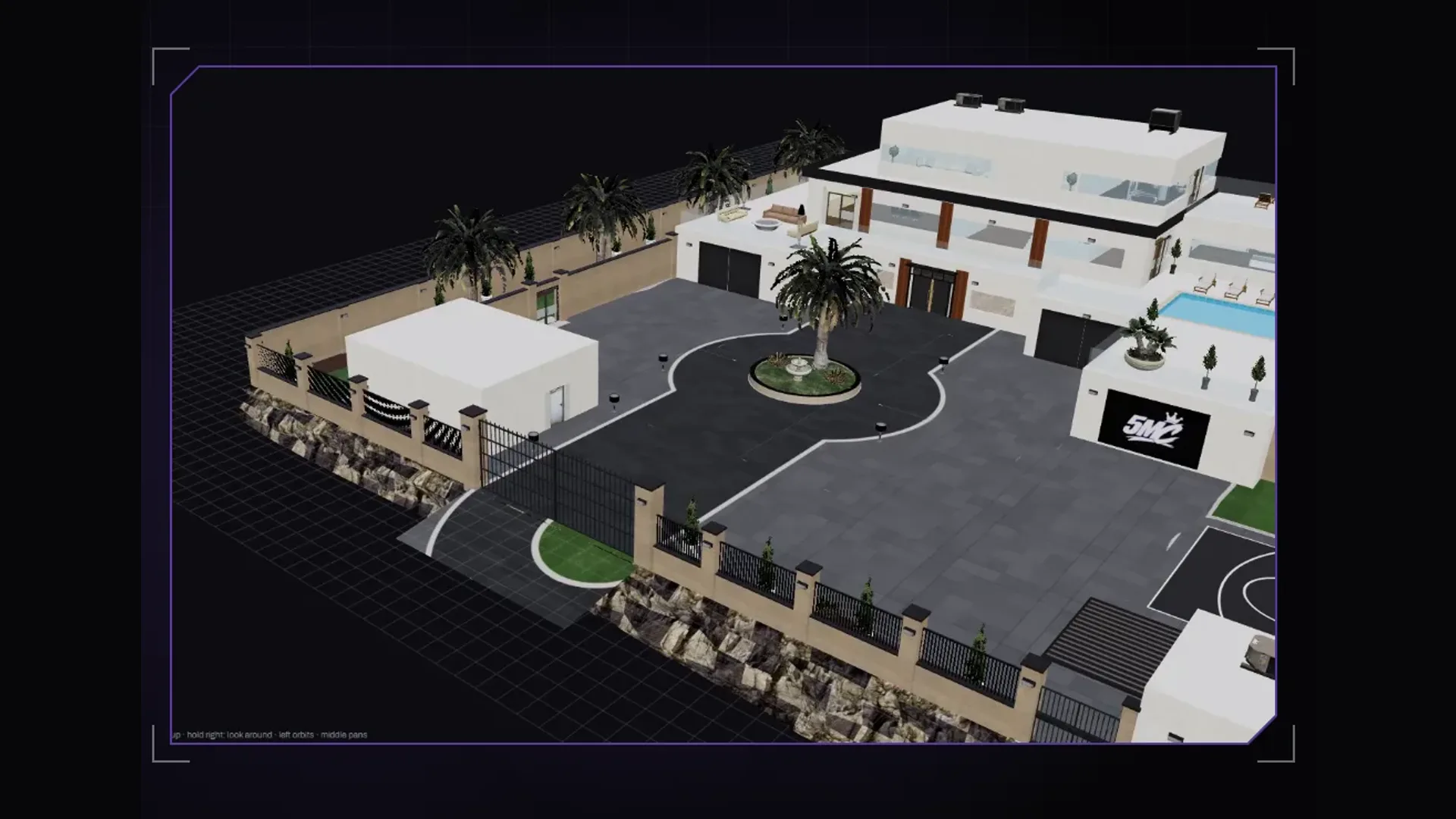
The 5MC Forge creator tool is our own app, born because we kept running through the same chain of tools for our own servers. Forge reads the game files straight from your GTA V installation and has five editors, each ending in a finished resource: fxmanifest.lua, stream folder and a version for FiveM Enhanced.
- Interiors: paint a floor plan, Forge generates shell, rooms, portals and collision; you furnish with around 32,000 props from the game. See Create an MLO without 3ds Max.
- Vehicle liveries: template from the model, painting on the 3D car, export with carvariations. See GTA 5 livery template.
- Clothing: paint GTA clothing, check it on a moving ped, generate inventory images. See Build a clothing pack.
- Weapon skins: liveries per weapon and attachment that coexist with other packs. See Weapon skins with Forge.
What Forge is not: a modelling program. Genuinely new shapes are still built in Blender; Forge can take such models in as OBJ and works with Blender for unwrapping livery UVs. And for deleting objects in the open world, CodeWalker remains the right tool.
Which tool for which job?
| You want to … | Classic | With Forge |
|---|---|---|
| build an MLO | Blender/Sollumz + CodeWalker | Interior editor |
| paint a livery | OpenIV + Photoshop + text editor | Vehicle editor |
| uniforms and clothing | OpenIV + image editor + meta files | Clothing editor |
| weapon skins | OpenIV + image editor + weapons.meta | Weapon editor |
| move to FiveM Enhanced | Alchemist by hand | automatic on export |
| remove objects from the map | CodeWalker | CodeWalker |
| a completely new 3D model | Blender + Sollumz | Blender, then into Forge as OBJ |
Legacy and Enhanced
Since FiveM also runs on GTA V Enhanced, resources need an additional converted version. Cfx provides Alchemist for that. The classic way is converting every resource yourself; Forge creates the stream_enhanced folder next to stream on export. More in the article FiveM Enhanced for creators.
Frequently asked questions
Do I need OpenIV for FiveM?
Not necessarily. OpenIV is handy for pulling original files out of GTA V. Tools like 5MC Forge read the game files themselves and do not need OpenIV.
Is CodeWalker or OpenIV better?
They do different things. OpenIV is a file browser for the archives, CodeWalker a 3D viewer and editor for the world and ymaps. Many creators use both.
Can I create FiveM content without modelling?
Yes, for many jobs. MLOs made of GTA props, liveries, painted clothing and weapon skins need no model of your own. 5MC Forge covers exactly these jobs.
Does 5MC Forge run on Mac?
No. Forge is a Windows app for 64-bit Windows 10 and 11 and needs a legally installed copy of GTA V Legacy.
Related products

Founder of 5MCustoms
Justin has been building FiveM servers, vehicles and interiors for years. 5MC Forge is the tool that grew out of it. What you read here comes from practice, not from a product sheet.
Keep reading
All articles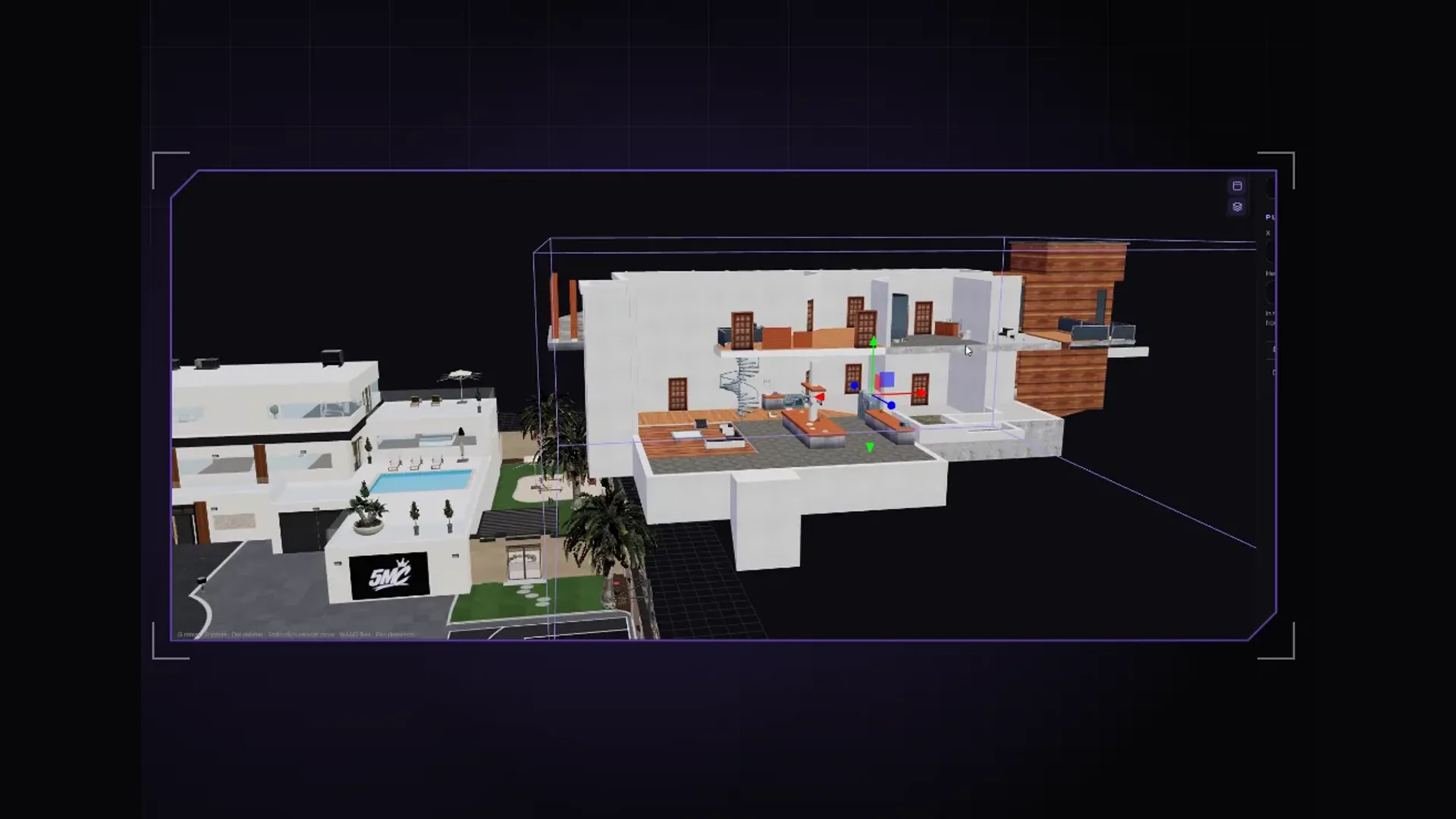
Tools·1 November 2026
5MC Forge or CodeWalker and Blender? Three tasks compared side by side
A livery, a clothing piece, an MLO: we walk through each task once with the free classics and once with 5MC Forge. With an honest answer on when each route pays off.
3 min read
Clothing·2 November 2026
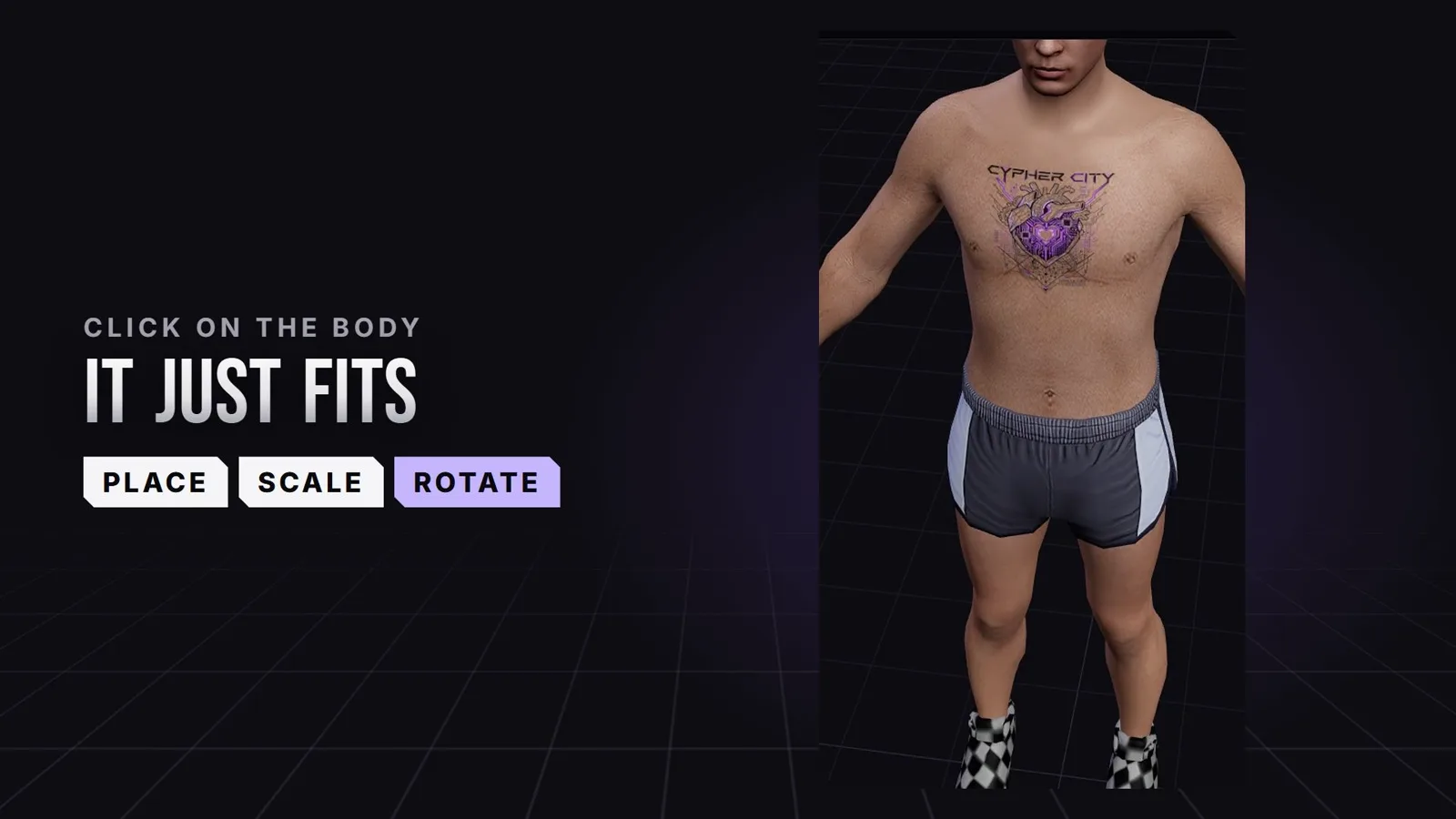
Create FiveM tattoos: place custom tattoos right on the ped
Chest, back, arms: in the 5MC Forge tattoo editor you place your own tattoos with a click right on the ped and see straight away where they sit in game. The design comes from you or from Forge AI. The video shows it in 24 seconds.
3 min read
Maps & MLOs·2 November 2026
Which AI app for Forge? Claude Code, Claude Desktop or Cursor
Besides the built-in Forge AI you can connect your own AI app. Which MCP-capable app to pick, how Claude Code, Claude Desktop and Cursor differ and what to watch for in every request.
3 min read