

Tools·3 min read
5MC Forge or CodeWalker and Blender? Three tasks compared side by side
A livery, a clothing piece, an MLO: we walk through each task once with the free classics and once with 5MC Forge. With an honest answer on when each route pays off.
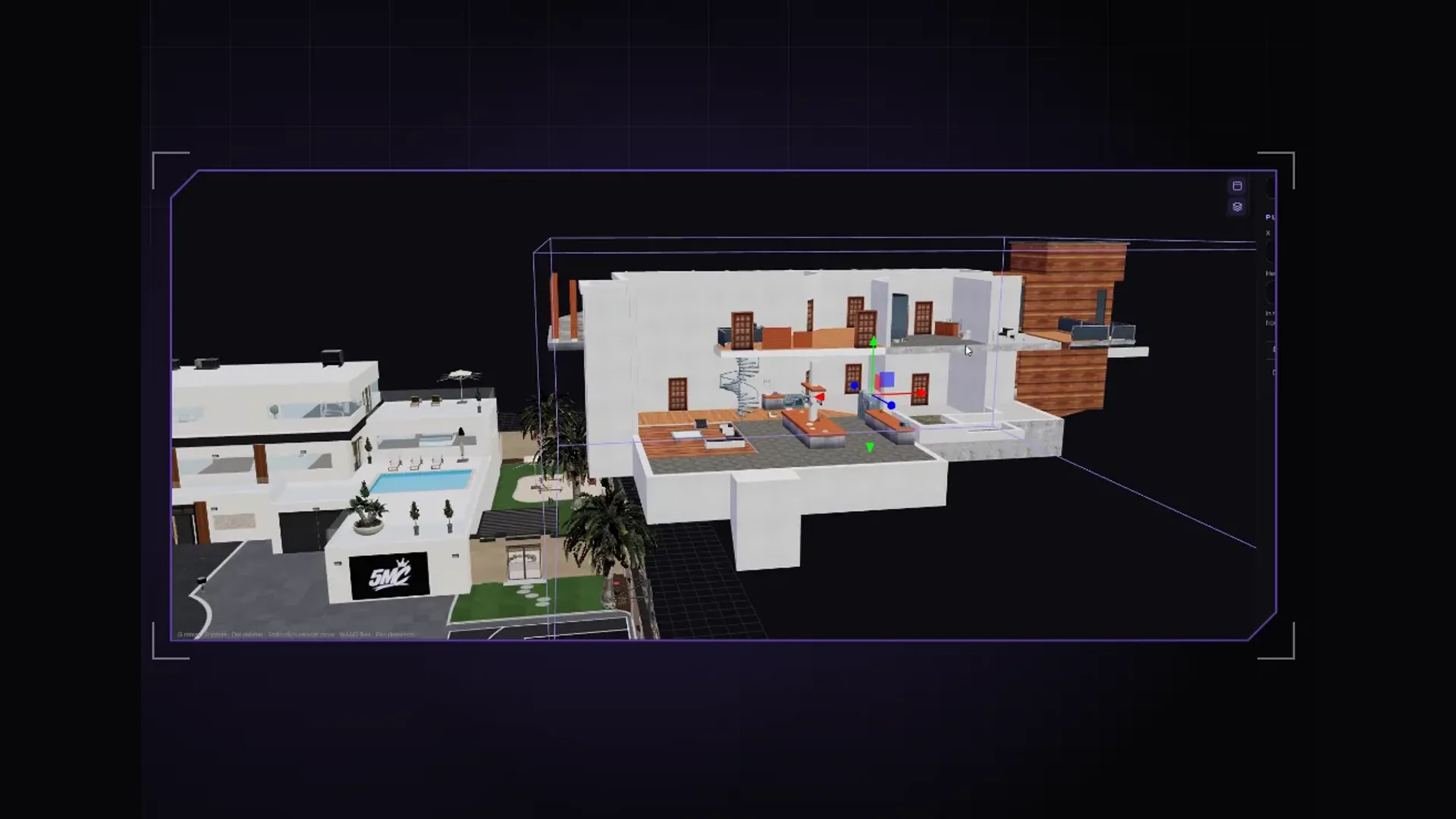
First things first: OpenIV, CodeWalker and Blender with Sollumz are free and can do a lot. Their price is time: for a finished resource you switch between several programs, write meta files by hand and test every step in game. 5MC Forge bundles the most common tasks in one app and delivers a finished resource at the end. What each tool is, is covered in the tools comparison. This article is about the workflow.
Task 1: a vehicle livery
| Classic | 5MC Forge |
|---|---|
| Find the vehicle in OpenIV, extract yft and ytd | Click the vehicle in the fundus |
| Export the livery texture, draw the UV template yourself in Blender | PNG out with UV template, or paint right on the car |
| If the model has no livery channel: rebuild shader and UV in Blender | Wrap: make paintable, unwrap UV, 2048, one button each |
| Put the texture back in the ytd, edit carvariations.meta by hand | Export as resource, livery count is filled in |
Task 2: a clothing piece
| Classic | 5MC Forge |
|---|---|
| Find the right piece in the ped archives, extract ydd and ytd | Search the fundus with 3D images, for men or women |
| Edit the texture without seeing the piece on the ped | Paint next to the ped, every change shows on the model at once |
| Rename files to GTA's naming scheme, write ymt and meta | Add to pack, the pack builds names and meta itself |
| Convert separately for Enhanced | Legacy and Enhanced in one resource |
Task 3: an interior (MLO)
| Classic | 5MC Forge |
|---|---|
| Model the shell in Blender or 3ds Max | Paint the floor plan in 3D, walls appear on their own |
| Create rooms and portals by hand, place corners one by one | Forge derives rooms and portals from the floor plan |
| Build collision separately | Collision comes with the shell |
| Place props in CodeWalker, edit the ytyp | Catalogue with about 32,000 props, doors snap into the wall |
| Find errors only in game | Check before building, errors stop the build |
When the classic route is better
- You model something completely new: your own vehicle, a curved facade, a garment with no counterpart in GTA. Blender with Sollumz remains the tool for that.
- You rework the outside world: roads, terrain, ymaps outside an interior. That is CodeWalker's strength.
- You want every setting of the file formats in your own hands.
The two routes do not exclude each other. Forge sends a vehicle to Blender at the push of a button and brings UV and changes back, and it takes your own OBJ models as clothing or props. If you build liveries, uniforms and interiors for a server every day, Forge mostly saves you the steps between programs.
Frequently asked questions
Does 5MC Forge replace CodeWalker?
For liveries, clothing, weapon skins and interiors you no longer need CodeWalker with Forge. For changes to the outside world CodeWalker remains the right tool.
Can I keep working with Blender?
Yes. The Forge add-on for Blender installs with one click, after that vehicles and clothing go back and forth between both programs.
What does the classic route cost?
The tools themselves are free, except 3ds Max. The cost is time: learning several programs and many manual steps per resource.
Related products

Founder of 5MCustoms
Justin has been building FiveM servers, vehicles and interiors for years. 5MC Forge is the tool that grew out of it. What you read here comes from practice, not from a product sheet.
Keep reading
All articles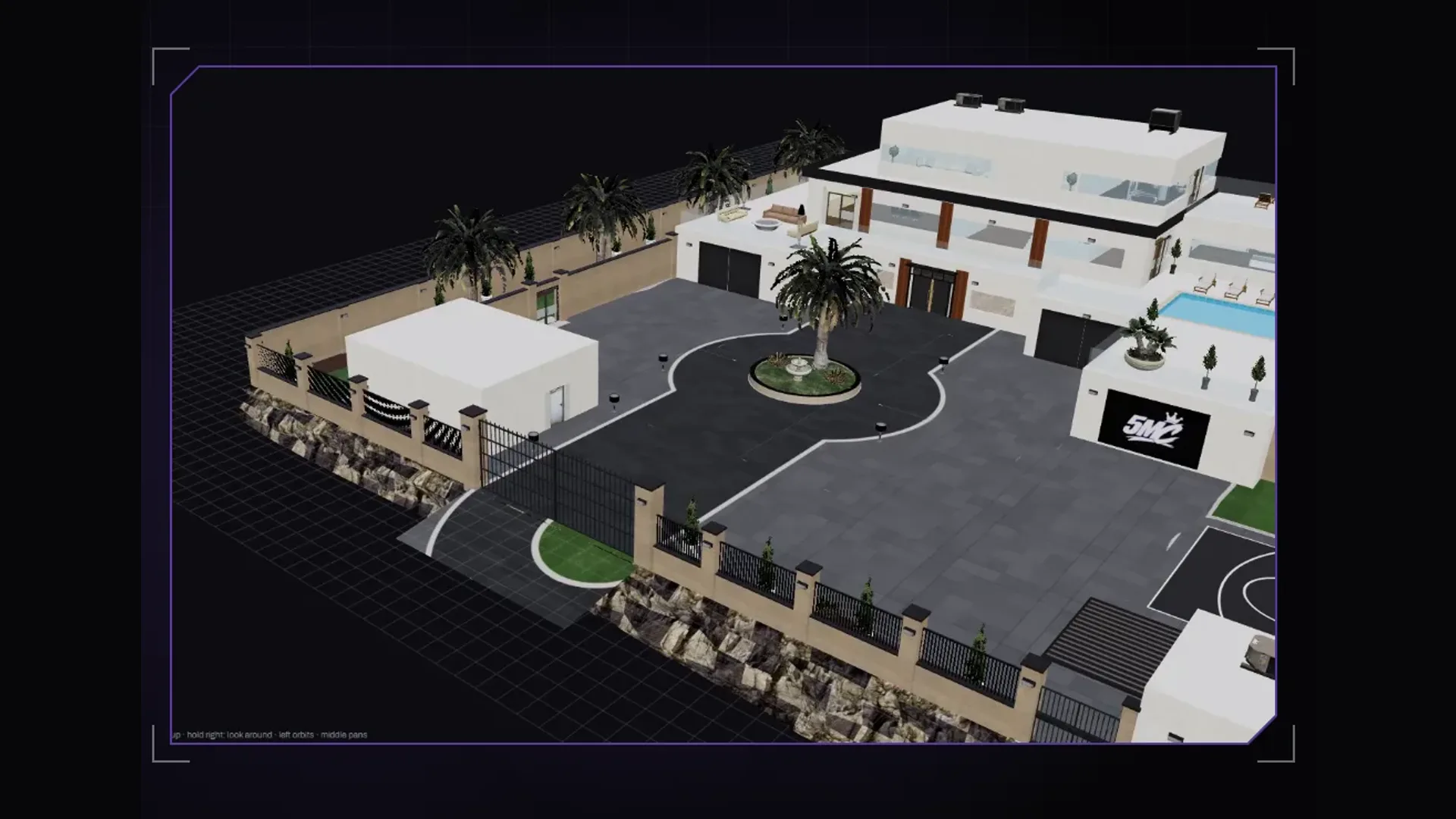
Tools·1 November 2026
FiveM modding tools compared: OpenIV, CodeWalker, Sollumz and 5MC Forge
OpenIV, CodeWalker, Sollumz, 3ds Max: anyone building for FiveM hears these names all the time. Here is what each tool does, which one you need for MLOs, liveries, clothing and weapons, and when one app is enough.
5 min read
Clothing·2 November 2026
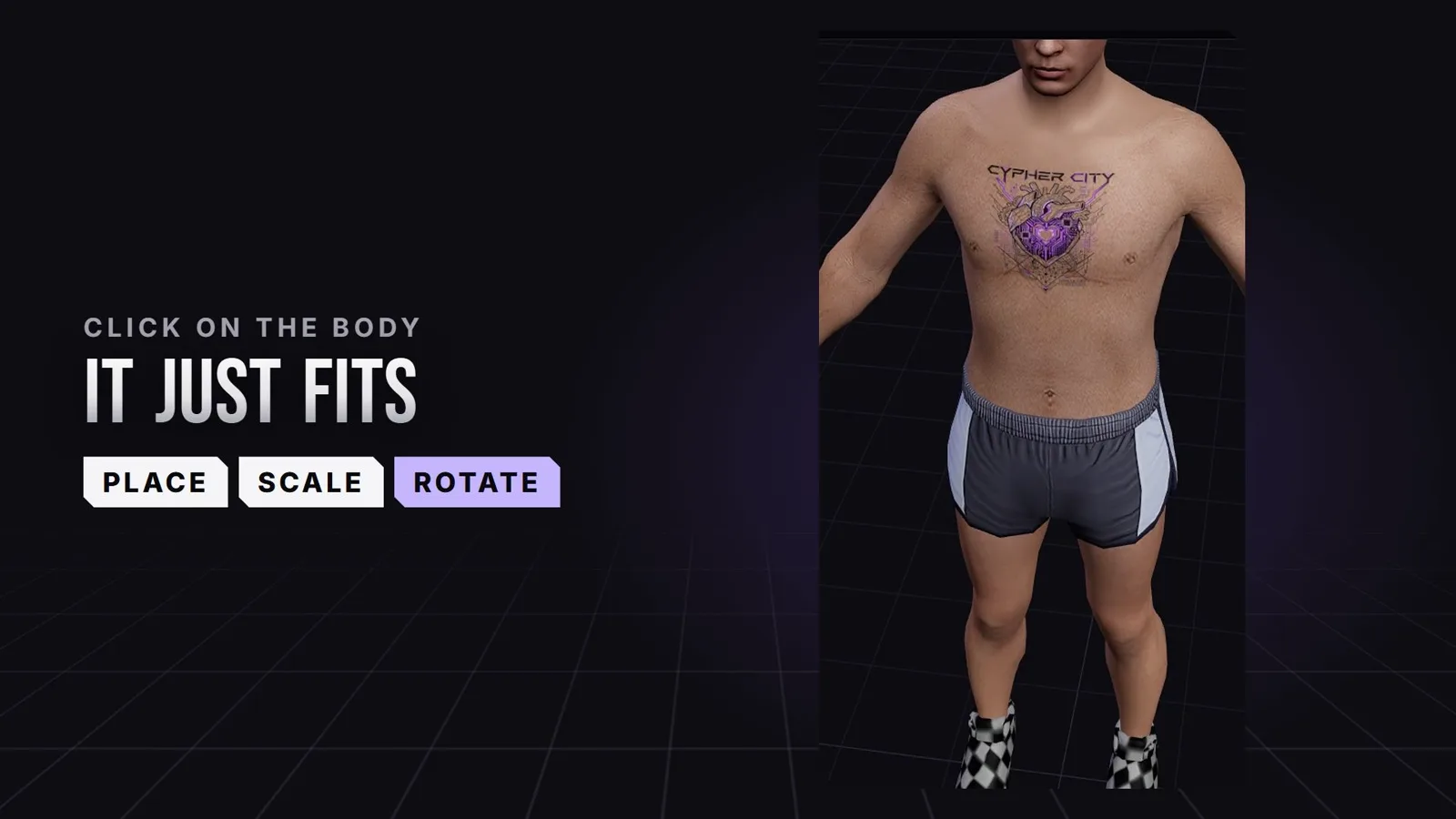
Create FiveM tattoos: place custom tattoos right on the ped
Chest, back, arms: in the 5MC Forge tattoo editor you place your own tattoos with a click right on the ped and see straight away where they sit in game. The design comes from you or from Forge AI. The video shows it in 24 seconds.
3 min read
Maps & MLOs·2 November 2026
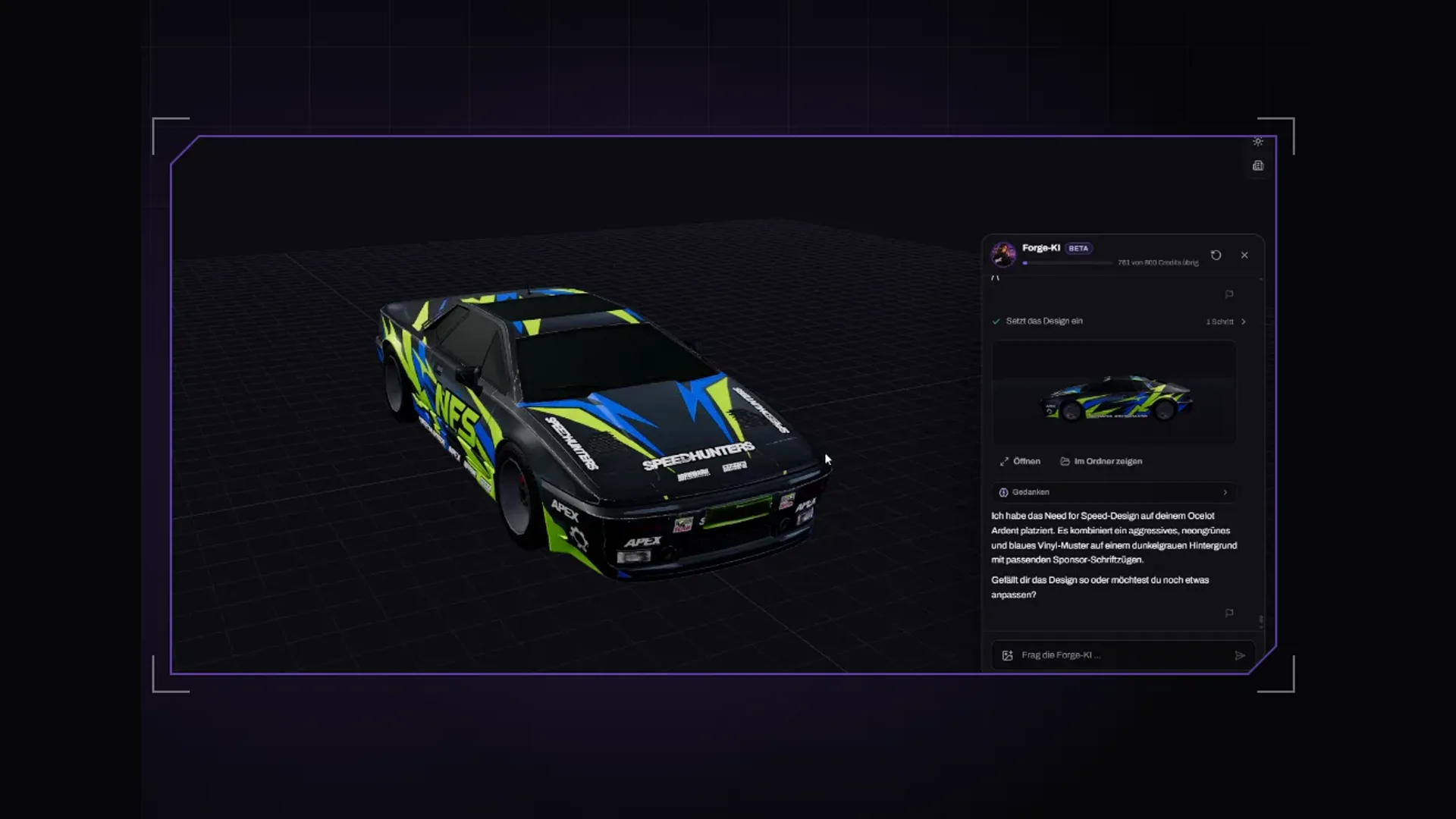
Which AI app for Forge? Claude Code, Claude Desktop or Cursor
Besides the built-in Forge AI you can connect your own AI app. Which MCP-capable app to pick, how Claude Code, Claude Desktop and Cursor differ and what to watch for in every request.
3 min read