

Maps & MLOs·3 min read
Which AI app for Forge? Claude Code, Claude Desktop or Cursor
Besides the built-in Forge AI you can connect your own AI app. Which MCP-capable app to pick, how Claude Code, Claude Desktop and Cursor differ and what to watch for in every request.
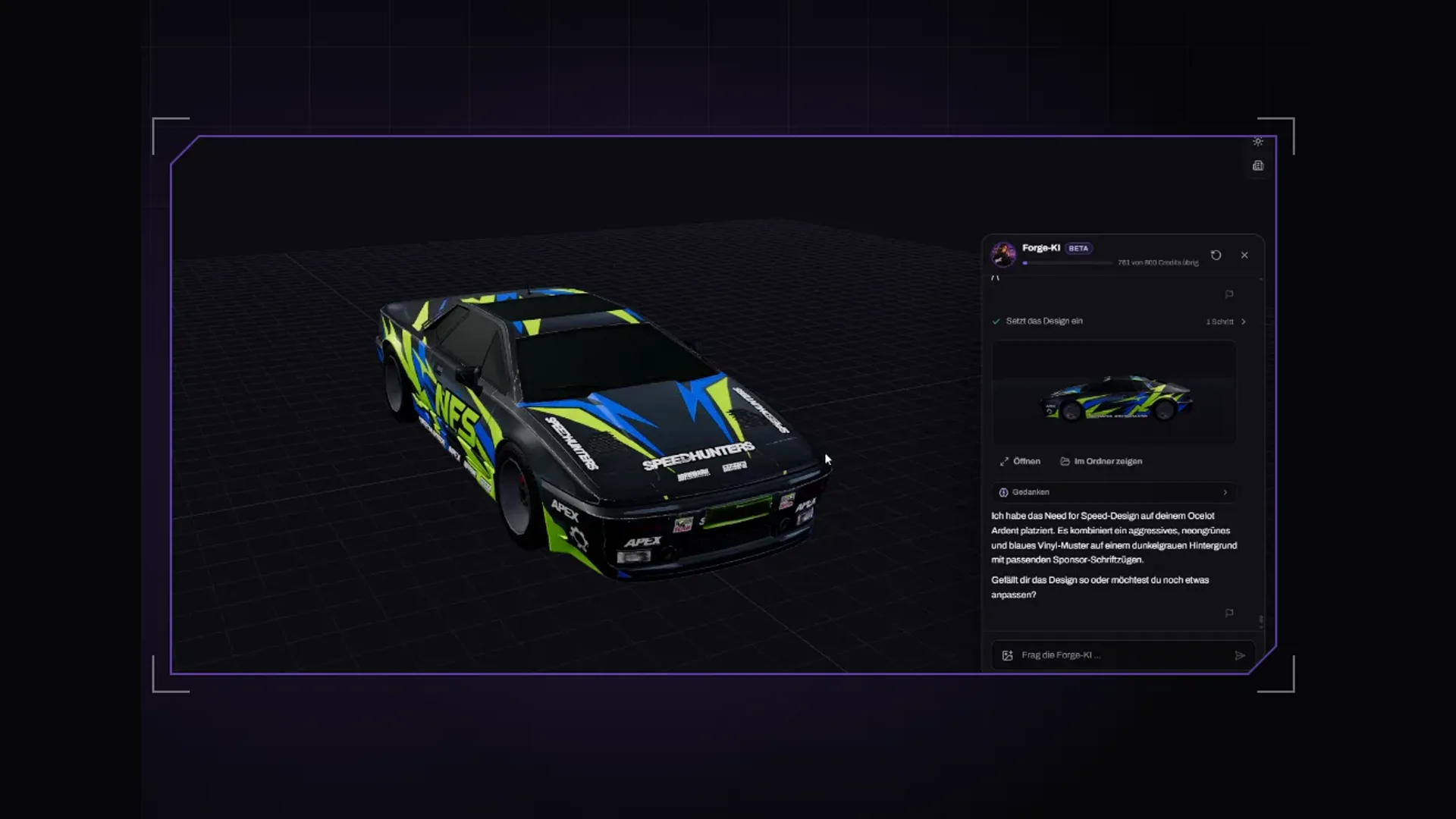
From Forge Studio on, Forge has an AI of its own, the Forge AI. On top of that, every plan includes an MCP server with 71 tools, and you connect an AI app that understands MCP. For that you need your own account with the provider; its costs run through your account there, not through us.
Our recommendation: Claude Code
For Forge we use Claude Code ourselves. Three reasons:
- Tool use: an interior often needs hundreds of calls in a row, from floor plan through furnishing to checks. Claude Code is built to work through many tools in sequence cleanly.
- Long requests: a whole building with levels, elevators and furnishing is a long run. Claude Code keeps the thread over many steps and can be corrected along the way.
- Control images: with mlo_screenshot Claude grabs a picture from your open Forge window and sees for itself whether a cabinet is crooked or a room too dark.
The alternatives
| App | Good for | Setup |
|---|---|---|
| Claude Code | Long build requests, many tools in sequence | One terminal command that Forge copies for you |
| Claude Desktop | If you prefer working in a chat window | One entry in claude_desktop_config.json |
| Cursor | If you already work in Cursor | The same entry in Cursor's mcp.json |
You choose which Claude model runs inside each app. For big build requests the strongest model your account offers is worth it; for small corrections a faster one is enough.
What to watch for in every request
- Forge must be running and signed in, otherwise every tool reports that Forge cannot be reached.
- Shell first, then furnishing: dimensions, levels and doors in one round, furniture in the next.
- Ask for a control image after bigger steps and run mlo_validate at the end.
- Keep the Forge window open and not minimised for control images.
- You do vehicle liveries and clothing by hand in Forge; the tools cover interiors and weapons.
Setup
In Forge, click “Mit KI arbeiten” (work with AI): the window “Claude mit der Forge verbinden” (connect Claude to Forge) shows the ready entries for Claude Code and Claude Desktop with the paths of your installation; one click on “Kopieren” (copy) is enough. Cursor and Codex take the Claude Desktop entry. Every step is in the docs under AI setup. How a whole build runs is shown in the tutorial Build an MLO with Claude.
Frequently asked questions
Can I use ChatGPT with Forge?
For the MCP we tested Claude Code, Claude Desktop and Cursor. For textures you can use ChatGPT or any image tool and bring the result into Forge as a PNG.
Do the AI providers see my projects?
The provider sees what you write and what the Forge tools return to Claude, such as room names, dimensions or a control image. Your files stay on your computer. None of it reaches us.
Related products

Founder of 5MCustoms
Justin has been building FiveM servers, vehicles and interiors for years. 5MC Forge is the tool that grew out of it. What you read here comes from practice, not from a product sheet.
Keep reading
All articles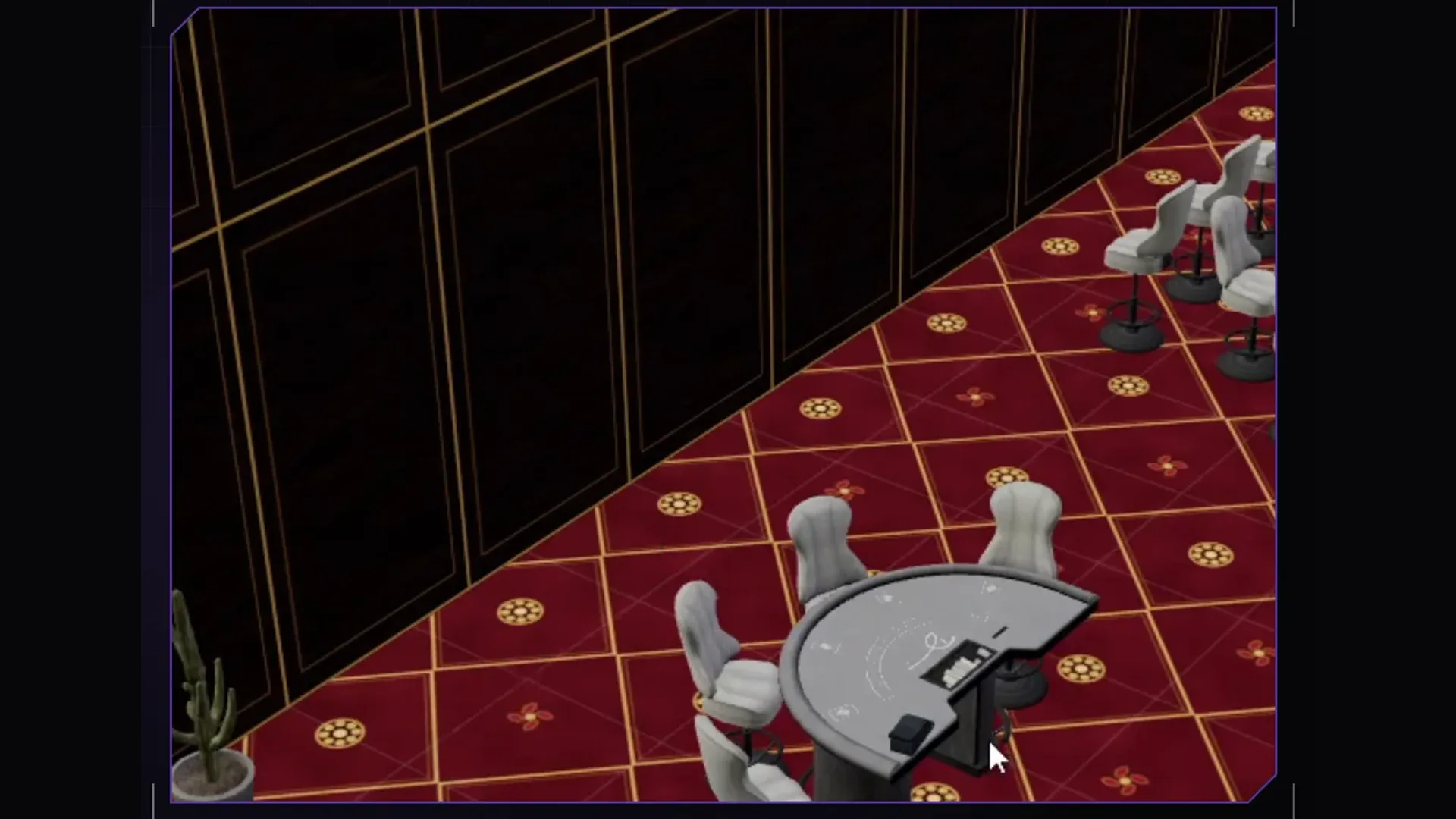
Maps & MLOs·2 November 2026
Build an MLO with Claude: driving 5MC Forge via MCP
How to connect your own Claude to the Forge interior editor, write a good request and turn the result into a finished MLO resource for Legacy and Enhanced.
5 min read
Maps & MLOs·1 November 2026
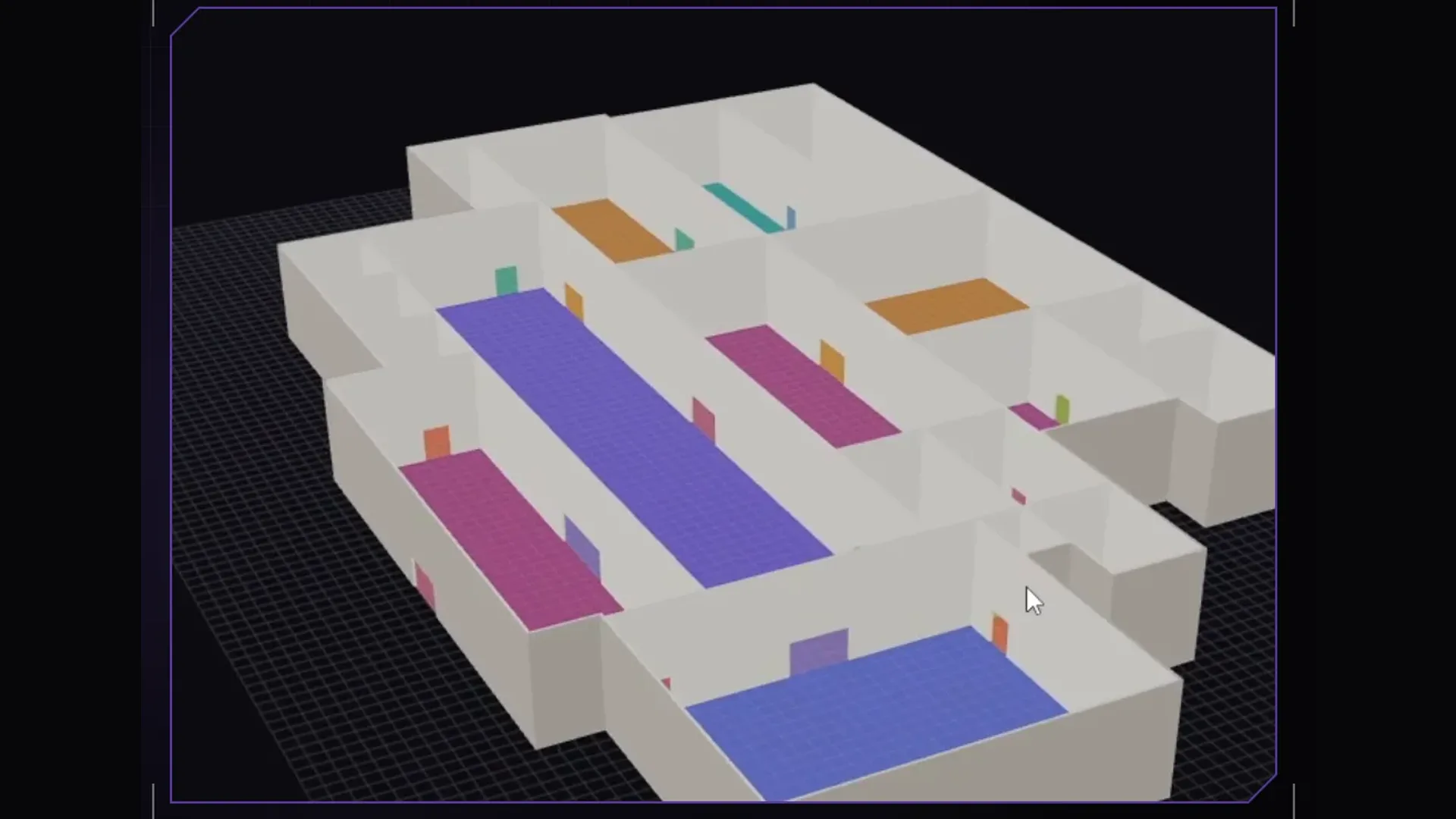
Create a FiveM MLO without 3ds Max: ymap, ytyp and ybn explained
What an MLO is made of, what ymap, ytyp and ybn do and how to build an interior for FiveM without modelling: step by step with 5MC Forge, for Legacy and Enhanced.
4 min read
Maps & MLOs·26 October 2026
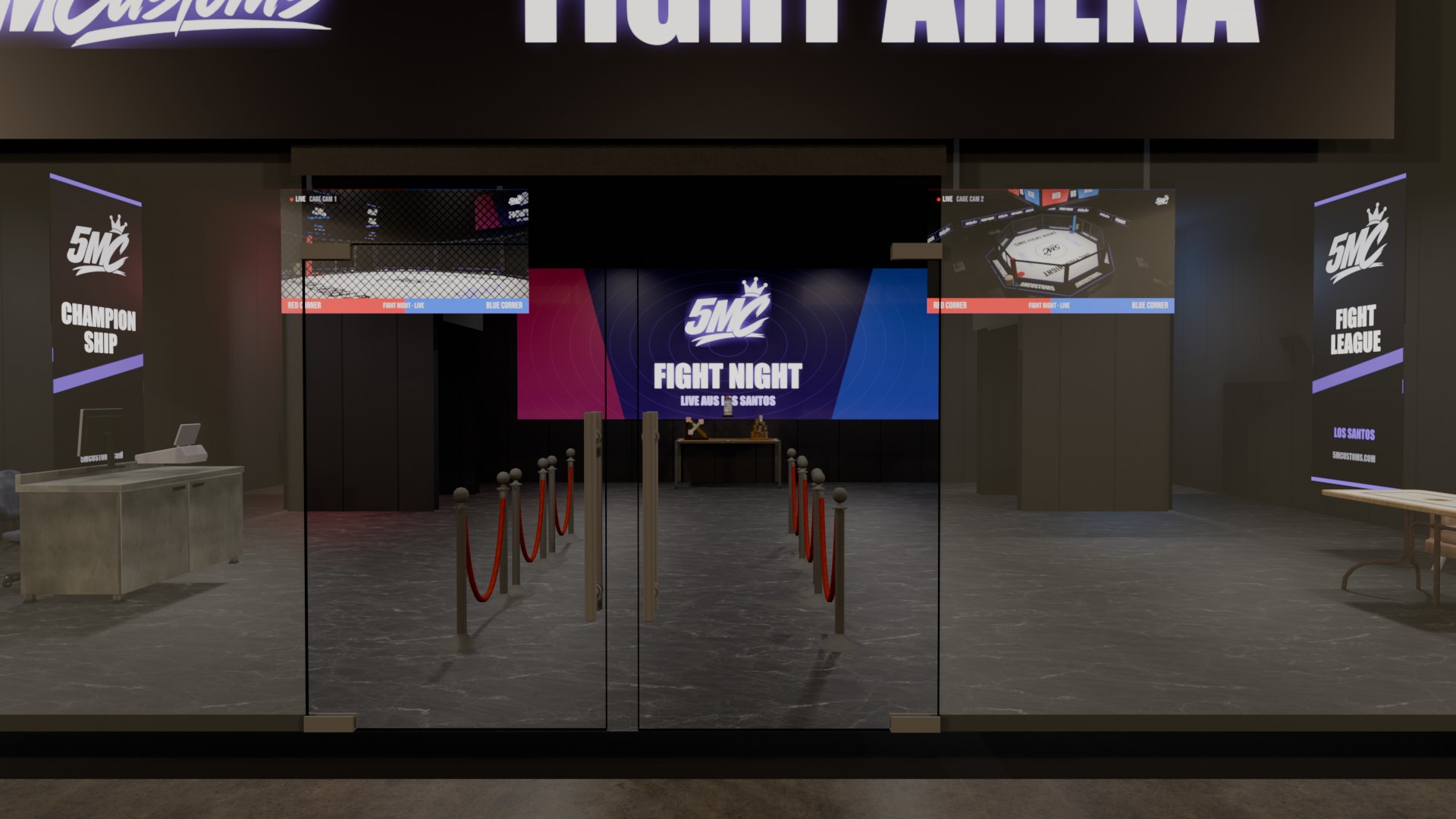
Doors in FiveM MLOs: how to make them open and sit cleanly
A door that will not open, a gap next to the leaf, a double door with both handles on the outside: doors are the most common flaw in custom MLOs. Here is what causes it and how to get it right.
3 min read