
Clothing·3 min read
Build a clothing pack: from a GTA piece to a finished resource
Open a clothing piece from the GTA fundus, redesign the texture with ChatGPT or an image editor, check it on a moving ped and build it as a pack for men and women.
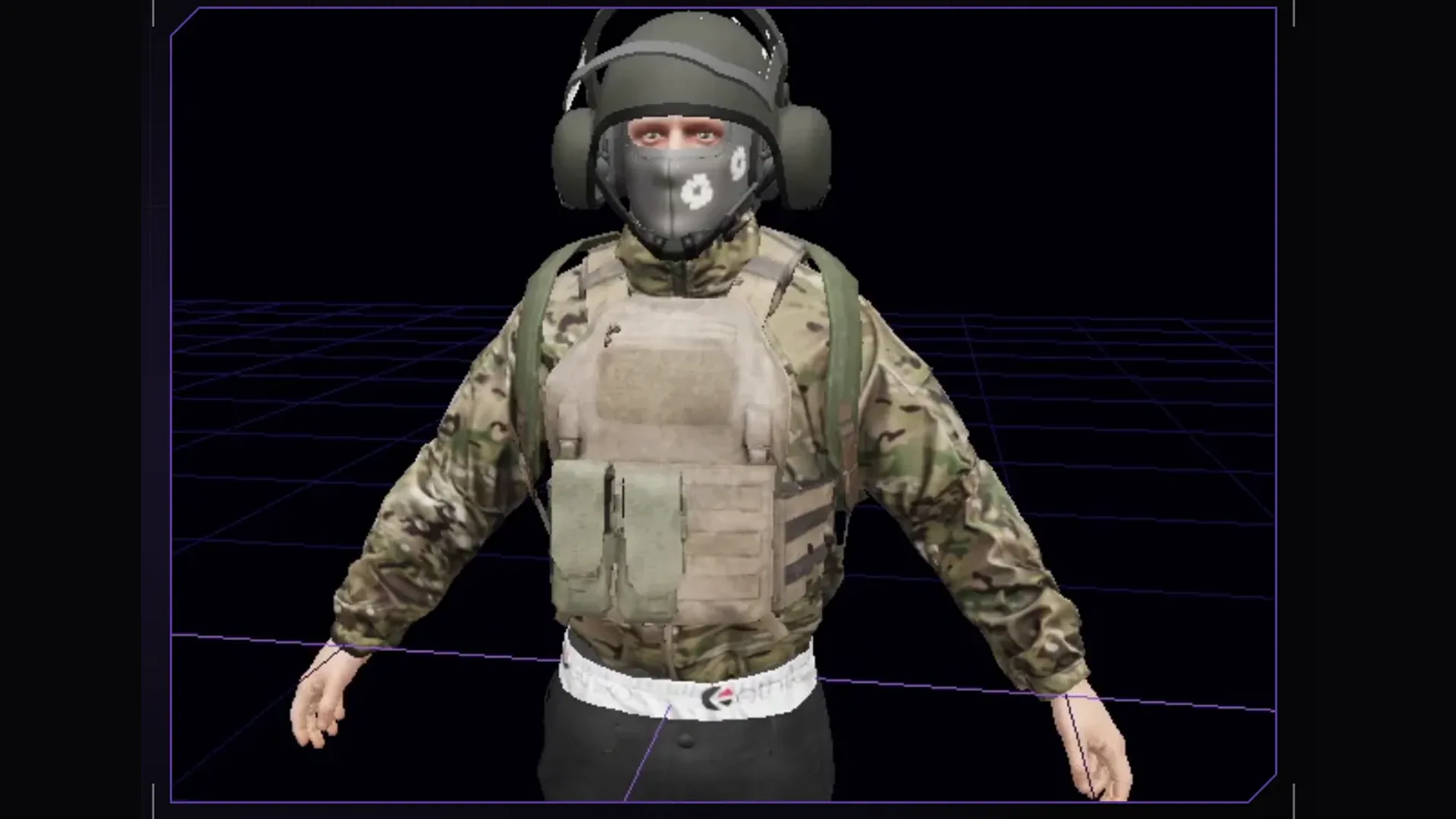
Faction uniforms, streetwear with your own logo, a vest in your server's colours: clothing is what players see most. With Forge you do not start from zero but from a GTA piece that already fits the ped, and you only swap the texture. The design itself can come from an image editor or ChatGPT.
1. Find a piece in the GTA fundus
In the clothing studio you search the fundus by category or name, for men and women. A click opens the piece in the 3D view on the model. Pick a piece whose cut already fits: a plain jacket is easier to paint than one with many pockets and seams. If the original UV is unsuitable for painting, “Clean UV (6 sides)” re-lays the sheet as views from left, right, top, bottom, front and back.
2. Export texture and UV template
“PNG out” writes the texture as a PNG and puts the UV template right next to it. “UV template” alone fetches only the wireframe. On the sheet you can see sleeves and collar, but not where a seam runs or which area is mirrored and used twice. That is exactly what the program that paints afterwards needs. Forge also shows you which areas are used twice: lettering there would read backwards on one side.
3. Design with ChatGPT or an image editor
Image 1 is the UV template of a GTA jacket, image 2 the original texture.
Design the jacket as a security company uniform: base colour
anthracite, cuffs in orange, a large "SECURITY" on the back.
Keep the layout exactly, same size as image 2, no real brand logos,
take fabric structure and shading from image 2.
The last sentence is the most important: keeping the folds and shadows of the original texture gives you a piece that looks like fabric in game rather than printed plastic. For logos and lettering an image editor is often more precise. Alternatively you place graphics as layers directly in Forge, with brush, fill, smudge and eraser.
4. Back in and check on a moving ped
“PNG in” inserts the edited image as the base texture. Then it pays to look at the moving ped: the preview plays GTA's own animations, and the piece hangs on the skeleton with its weights just like in game. Whether a sleeve tears when the arms go up or a logo distorts while walking, you will not see on a standing ped. Forge edits colour variants (_a, _b, _c) too, and “Inventory image from model” creates the picture for the inventory.
5. Create and build the pack
- Create a new pack and “Add piece to pack”. A pack may contain pieces for men and women.
- “View on ped” dresses the ped in the whole pack so jacket, trousers and vest fit together.
- Build: Forge creates the resource with stream and stream_enhanced, so the pack runs on Legacy and Enhanced.
- To the test server: builds, copies to your local FXServer and adds the pack to server.cfg. The server must be off for this.
The clothing studio comes with every Forge tier, plans and trial are under Pricing. Everything about the studio is in the docs.
Frequently asked questions
Can I import my own 3D clothing?
Yes. An OBJ from Blender or a 3D generator becomes a new piece via “OBJ to clothing”. Forge takes skeleton and weights from a GTA base piece, so the item should already sit on the ped in Blender.
Does Claude make clothing via MCP?
No. The MCP tools cover interiors and weapons. You design clothing by hand in Forge; the textures come from an image tool of your choice.
Related products

Founder of 5MCustoms
Justin has been building FiveM servers, vehicles and interiors for years. 5MC Forge is the tool that grew out of it. What you read here comes from practice, not from a product sheet.
Keep reading
All articles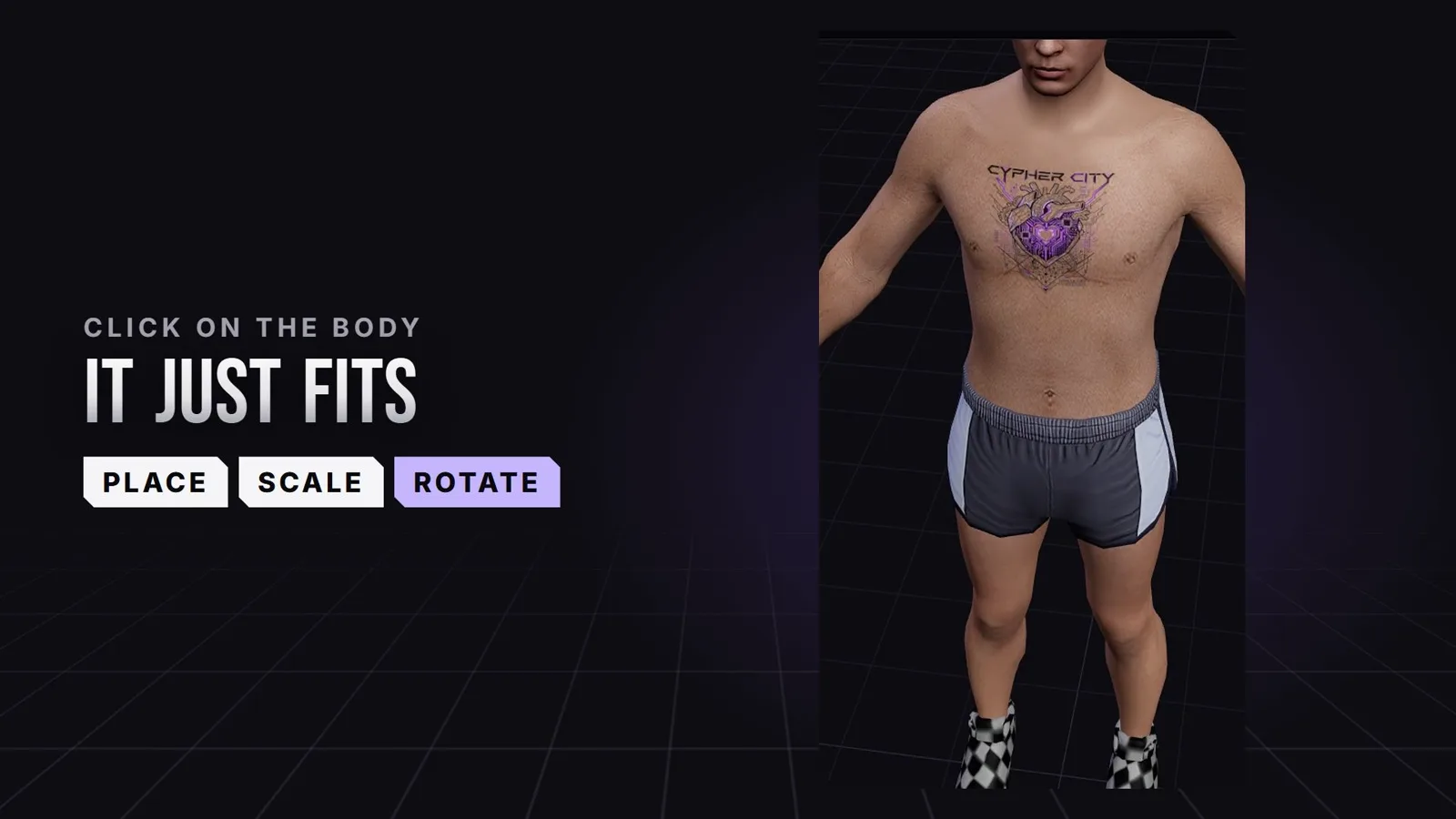
Clothing·2 November 2026
Create FiveM tattoos: place custom tattoos right on the ped
Chest, back, arms: in the 5MC Forge tattoo editor you place your own tattoos with a click right on the ped and see straight away where they sit in game. The design comes from you or from Forge AI. The video shows it in 24 seconds.
3 min read
Clothing·1 November 2026
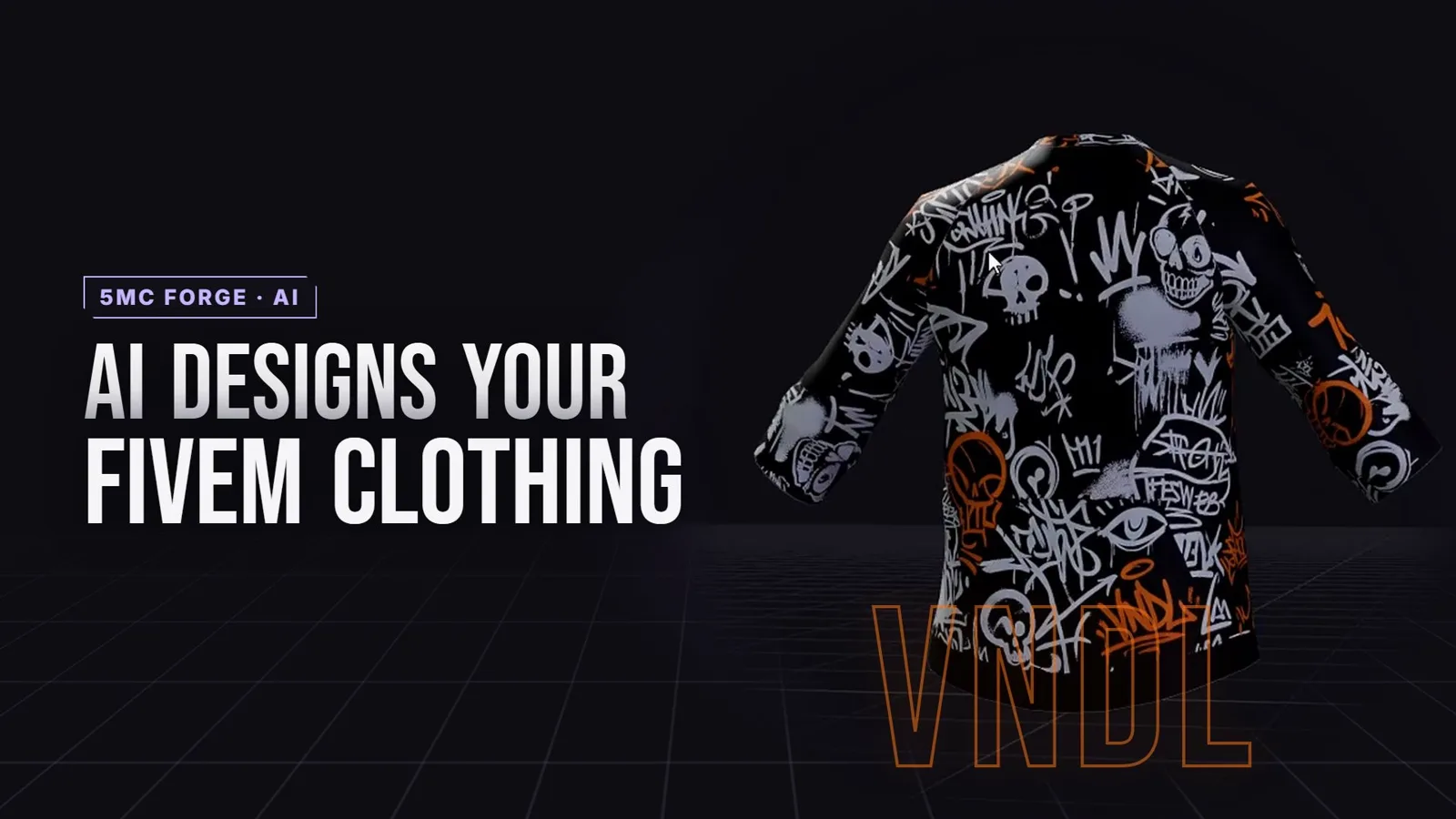
FiveM custom clothing with AI: from one shirt to a whole clothing pack
Bloods, Crips, Vagos or your own crew: Forge AI designs shirts right on the GTA model, front and back. The shirt becomes a whole outfit with pants and bandana that fits in game right away. The video shows it in 25 seconds.
3 min read
Clothing·26 October 2026
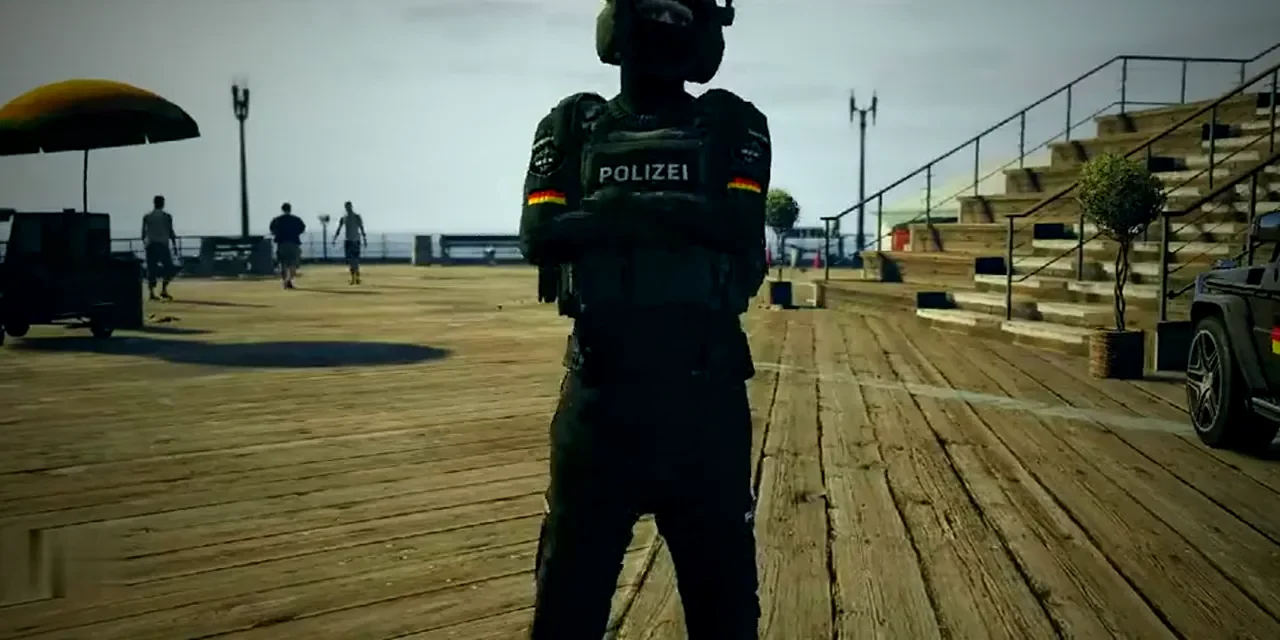
Create a FiveM police uniform: your own pack instead of EUP
Shirt, trousers, vest, badges: a police uniform is made of several parts that have to match. Here is which ones, and how to turn them into your server's own pack.
3 min read