
Vehicles·4 min read
Find a GTA 5 livery template and use it with Forge
What a livery template really is, why templates from the web often do not fit and how to save the UV template from the actual model in 5MC Forge, paint it and export it as a FiveM livery.
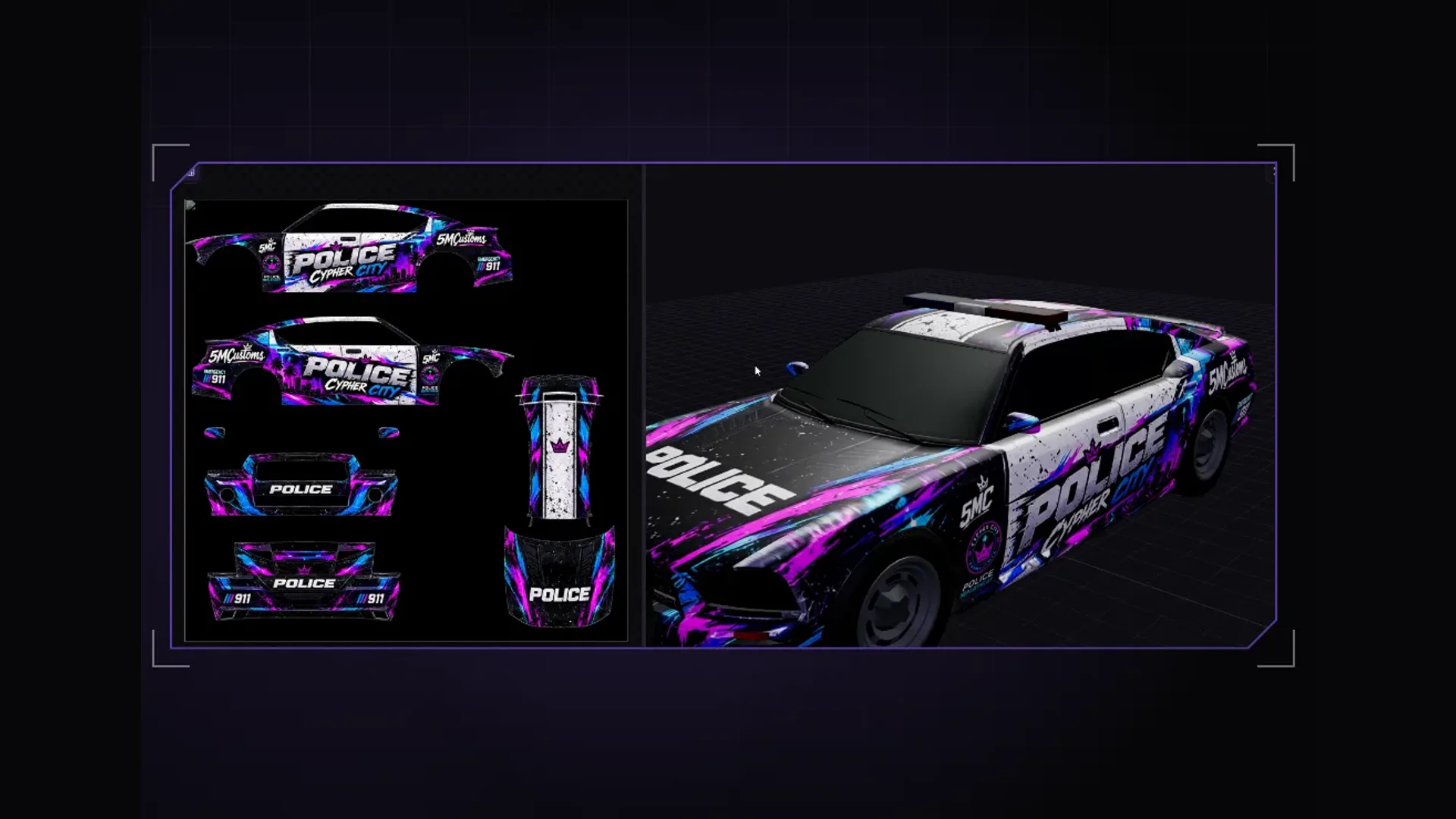
Anyone building a livery for a police car, a taxi or a company van usually starts by searching for a “GTA 5 livery template”. What they almost always mean is the same thing: an image that shows where each panel of the vehicle sits on the texture. Only then does a logo land on the door and not half on the roof.
What a livery template is
Every vehicle model has a UV layout: the 3D surface is laid out flat on an image, much like a sewing pattern. A template draws this layout as lines on an image, usually dark on light. You paint your design on a separate layer above it, hide the lines before saving, and the texture fits the model exactly.
A template only ever applies to exactly one model. An add-on vehicle with the same name but a different author usually has a completely different layout. That is why templates from the web often do not fit: they come from another version of the model.
The template from the actual model: step by step
In the 5MC Forge FiveM livery tool the template always draws the layout that is actually in the open model. Here is how:
- Open the vehicle: from the GTA game files or your own as a resource folder, archive (RAR, 7z, ZIP) or a single yft.
- In the “Channel and UV” section check whether the model has a livery channel. If it lacks one, “Make whole body paintable” adds it.
- If needed, unwrap the body in Blender 4.x: send the model to Blender, unwrap there, bring the UVs back.
- Choose “Save UV template for a new design”. Forge saves a PNG with roof, bonnet, both sides, front and rear.
- Paint your design on its own layer above the template, in an image editor or with an image model.
- Add the finished image as a layer in the livery studio, add logos and lettering and export as a FiveM resource.
Resolution and format
- Paint at the size of the vehicle's original texture and keep the image square if the template is square. Distorted aspect ratios shift every area.
- Put the template as the top layer with low opacity over your design and hide it before exporting.
- Leave areas outside the layout neutral. Whatever is there is not visible on the vehicle.
- Do not use real brand logos if you want to share or sell the livery.
Painting with an image model
The template is exactly what an image model needs to paint a design in the right place. How to use ChatGPT or another model for it and which instruction works well is in Build a vehicle livery with ChatGPT textures.
Getting it into the game
For every livery to be selectable in game, their number has to be in carvariations.meta. Forge enters it itself when exporting. You export the vehicle as a FiveM resource, put it straight onto your test server or save it as a dlc.rpf for single player. Next to stream it creates stream_enhanced so the livery also runs on FiveM Enhanced.
Frequently asked questions
Where do I find a GTA 5 livery template?
Most reliably from the very model you want to paint. Forge saves the UV template for the open vehicle as a PNG. Templates from the web only fit if they come from exactly the same version of the model.
Why does my logo appear twice?
Because the area is mirrored or tiled on the texture, typical of the paint UV. Unwrap the body cleanly for the livery before you paint.
Do I need Blender?
Only if the model has no clean livery UV and needs unwrapping. Forge works with Blender 4.x for that.
Related products

Founder of 5MCustoms
Justin has been building FiveM servers, vehicles and interiors for years. 5MC Forge is the tool that grew out of it. What you read here comes from practice, not from a product sheet.
Keep reading
All articles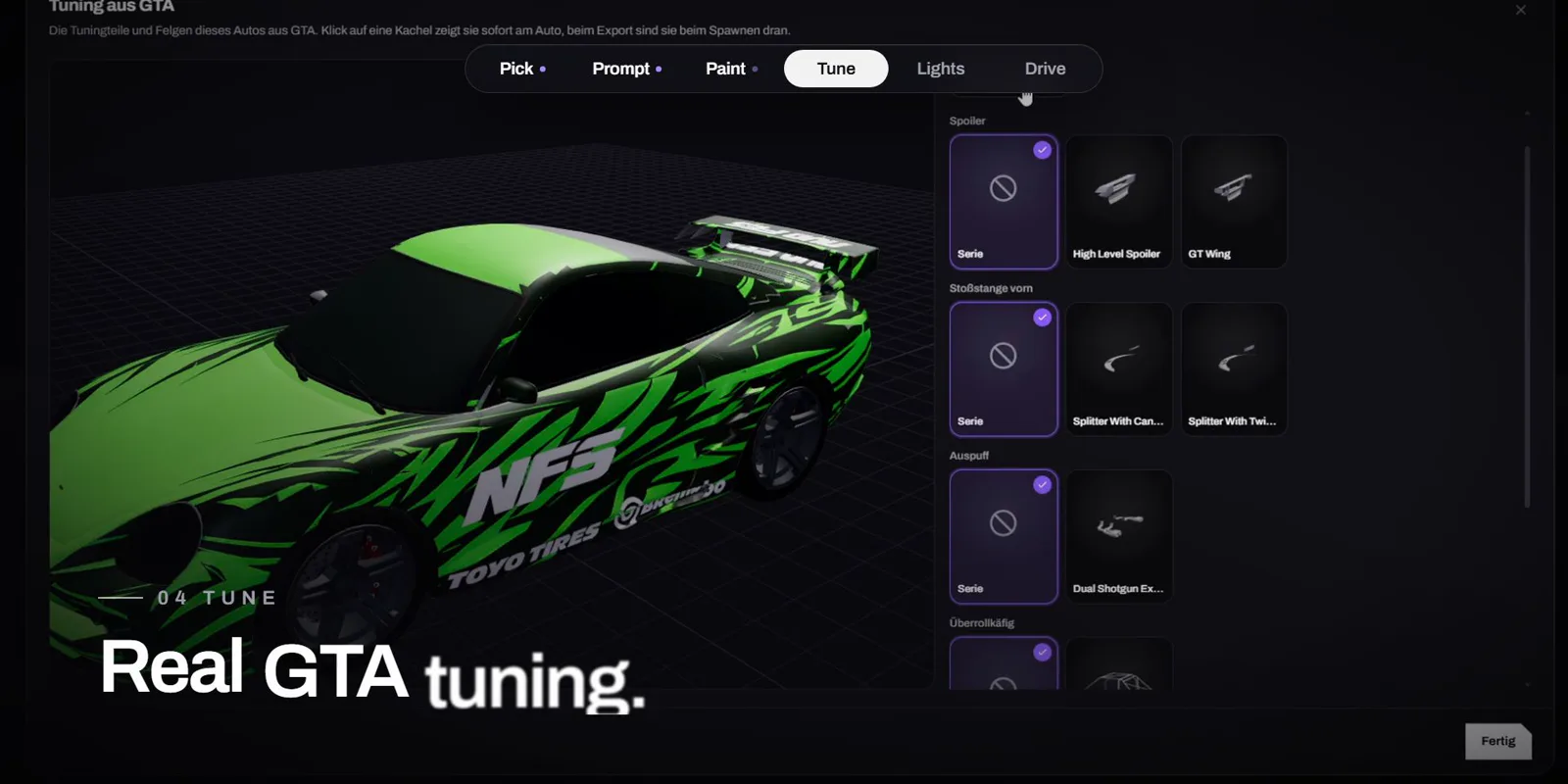
Vehicles·1 November 2026
Design a FiveM car with AI: livery, tuning and lightbar in minutes
One sentence instead of Photoshop: Forge AI paints the livery right onto the GTA car, you tune it with real GTA parts, add a lightbar and drive it in game. The video shows the whole way.
4 min read
Vehicles·1 November 2026
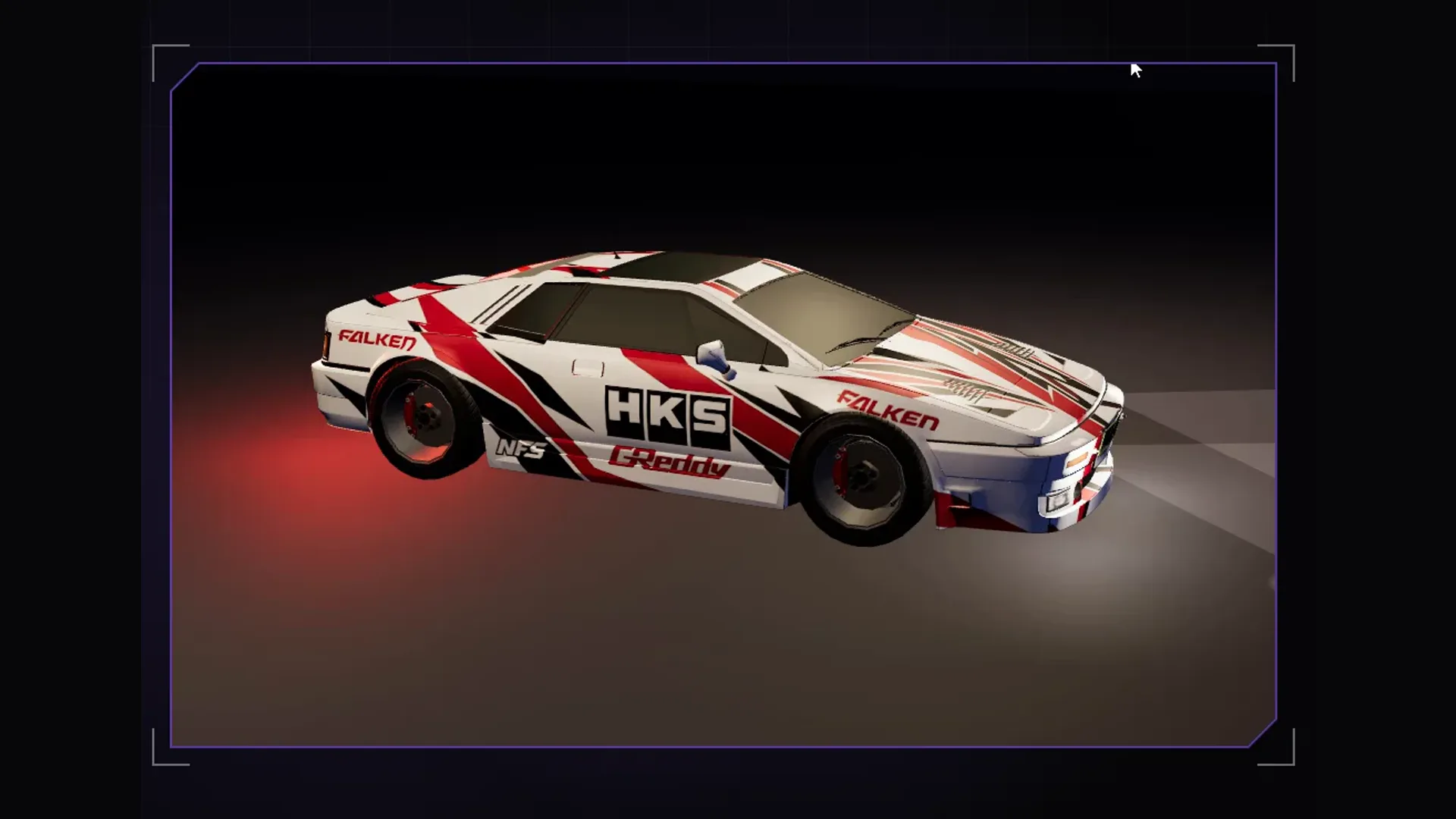
Build a vehicle livery with ChatGPT textures
Load a vehicle in Forge, export the UV template and texture, generate a design with ChatGPT, bring it back into Forge and ship it as a resource for Legacy and Enhanced.
3 min read
Vehicles·26 October 2026
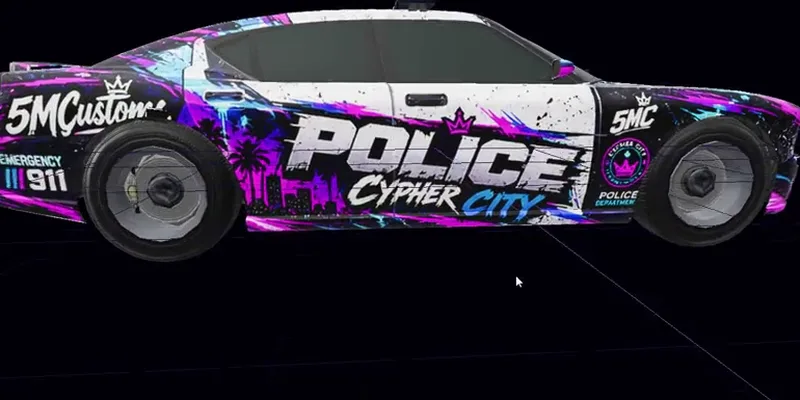
Create a FiveM police livery: wrap police, police2, sheriff and co. properly
Anyone painting a GTA police car soon notices the livery only lands on the roof. Here is why, and how police2 or sheriff becomes a fully wrapped patrol car.
3 min read