

Maps & MLOs·4 min read
Create a FiveM MLO without 3ds Max: ymap, ytyp and ybn explained
What an MLO is made of, what ymap, ytyp and ybn do and how to build an interior for FiveM without modelling: step by step with 5MC Forge, for Legacy and Enhanced.
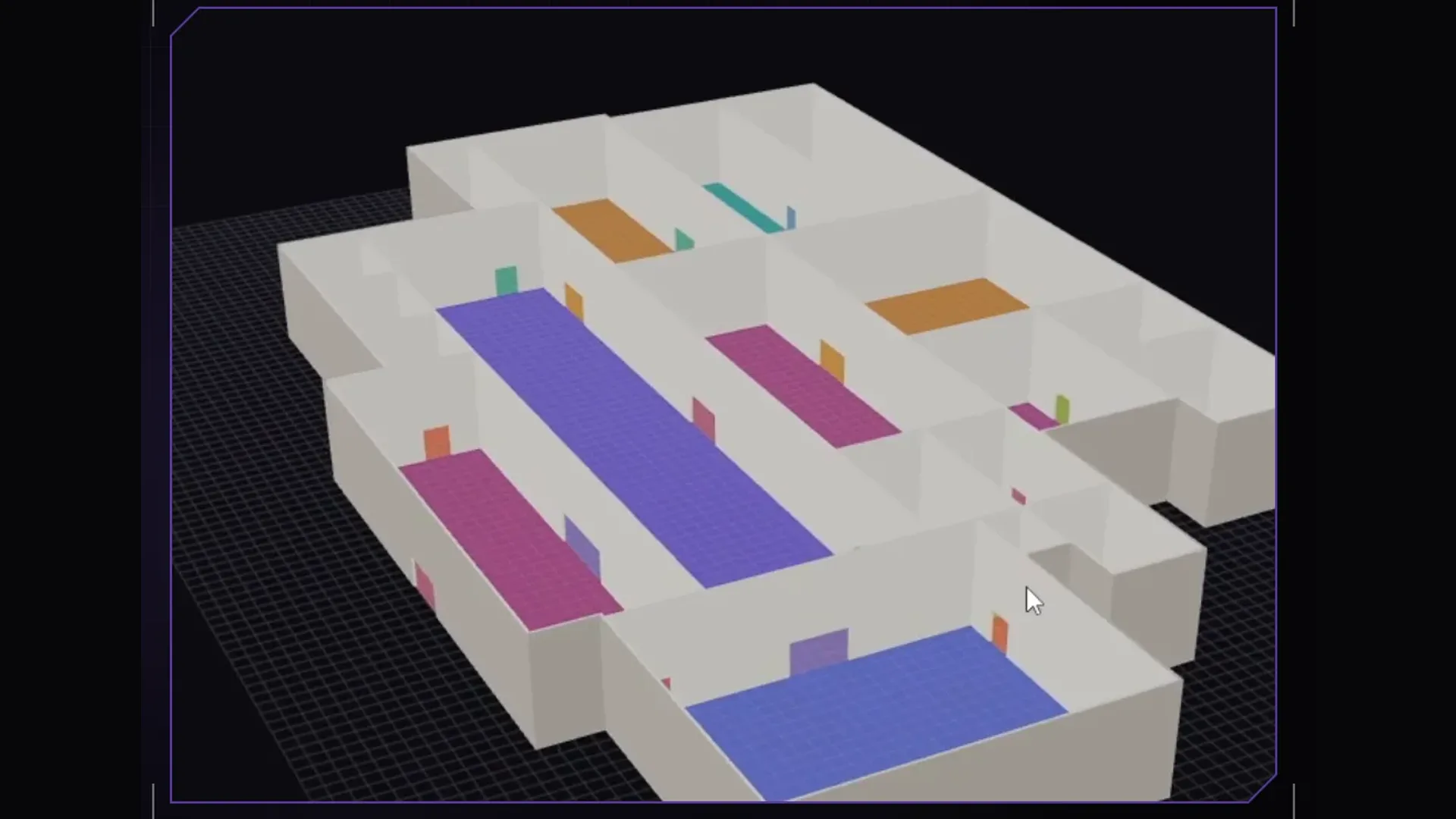
For many RP servers a custom interior is the moment the city starts to feel like their own: a station, a workshop, a club. Anyone creating an MLO for the first time quickly runs into a long tool list and file extensions nobody explains. This article sorts out both and shows a route that works without 3ds Max and without modelling yourself.
What an MLO is made of
MLO stands for Multi-Level-Object, the GTA term for an interior you can walk into. A finished MLO resource consists of a few files, each with a clear job:
| File | Job |
|---|---|
| ytyp | The interior archetype: rooms, portals between rooms, the props and entity sets. |
| ymap | The placement in the world: where the interior stands, how it is rotated and how many exits it has. |
| ybn | The collision. Without it you fall through the floor or walk through walls. |
| ydr and ytd | Models and textures for floor, walls and ceiling. |
| fxmanifest.lua | Tells the server it is a map and registers the ytyp. |
The classic route
The classic route is modelling the shell in Blender with the Sollumz add-on or in 3ds Max, exporting it to the GTA formats, creating rooms and portals in CodeWalker and pulling textures and templates out of the game with OpenIV. It is powerful and the right path for fully custom architecture. But it assumes you can model and know the quirks of the formats.
The Forge route: step by step
With the 5MC Forge FiveM MLO tool you draw a floor plan and Forge generates the shell, rooms, portals and collision from it. You furnish with props that already ship with the game.
- Create a project: empty or from a GTA template such as a mansion or the Mission Row police station.
- Paint the floor on a grid. Rooms follow from the walls you place along the grid lines.
- Place doors, windows and passages. Openings without a door leaf automatically get a door when building, a double door from 1.5 m width.
- Add levels, stairs, ramps and elevators if the interior has more than one floor.
- Furnish: place props from the catalogue of around 32,000 models on floors, tables, against walls and under the ceiling, plus lights.
- Run the check. Errors block the build; warnings point out doors in walls or furniture facing the wall.
- Build or choose “To test server”. Forge writes ytyp, ymap, ybn, models, textures and fxmanifest.lua, plus stream_enhanced for FiveM Enhanced.
Rooms, portals and limbo
The game draws an interior room by room. Portals are the openings between them: through them you see from one room into the next. Room 0 is called limbo and stands for the outside world; every portal to the outside points to it. The ymap announces how many such exits there are, and that number must match the portals in the ytyp. If it does not, the game can crash while loading.
This bookkeeping is error-prone by hand. Forge derives rooms and portals from walls and openings, orders the portal corners the right way round and counts the exits itself.
The fxmanifest.lua of a map
For the server to load the files as a map, the resource needs two entries: this_is_a_map and the registration of the ytyp. It typically looks like this:
fx_version 'cerulean'
game 'gta5'

this_is_a_map 'yes'

data_file 'DLC_ITYP_REQUEST' 'stream/werkstatt_5mc.ytyp'
Forge writes the file itself when building. With “To test server” it puts the resource into your local FXServer and adds ensure to server.cfg; the server must be off for that.
Common errors and their cause
- The interior is invisible: usually the ymap is missing from the stream folder or the ytyp is not registered.
- You fall through the floor: the collision is missing or incomplete. For very large interiors Forge reports the number of collision points and stops with a clear message before a broken collision is produced.
- Crash on entering: often portals and announced exits do not match.
- Everything is overexposed: too much light per area. The Forge check warns about it.
Even faster: with AI
If you build many interiors, you can hand the legwork to Claude. On every Forge plan your own Claude operates the editor via MCP. How that works is on Build an MLO with AI and in the tutorial Build an MLO with Claude.
Frequently asked questions
Can I create an MLO without 3ds Max?
Yes. The classic way is Blender with the Sollumz add-on. With 5MC Forge you need no modelling program at all: you paint a floor plan and furnish with props from GTA V.
What is the difference between ymap and ytyp?
The ytyp describes what the interior is: rooms, portals and props. The ymap says where it stands in the world and how it is rotated.
Does an MLO built this way run on FiveM Enhanced?
Yes. Forge creates the stream_enhanced folder next to stream, converted with Cfx Alchemist.
Related products

Founder of 5MCustoms
Justin has been building FiveM servers, vehicles and interiors for years. 5MC Forge is the tool that grew out of it. What you read here comes from practice, not from a product sheet.
Keep reading
All articles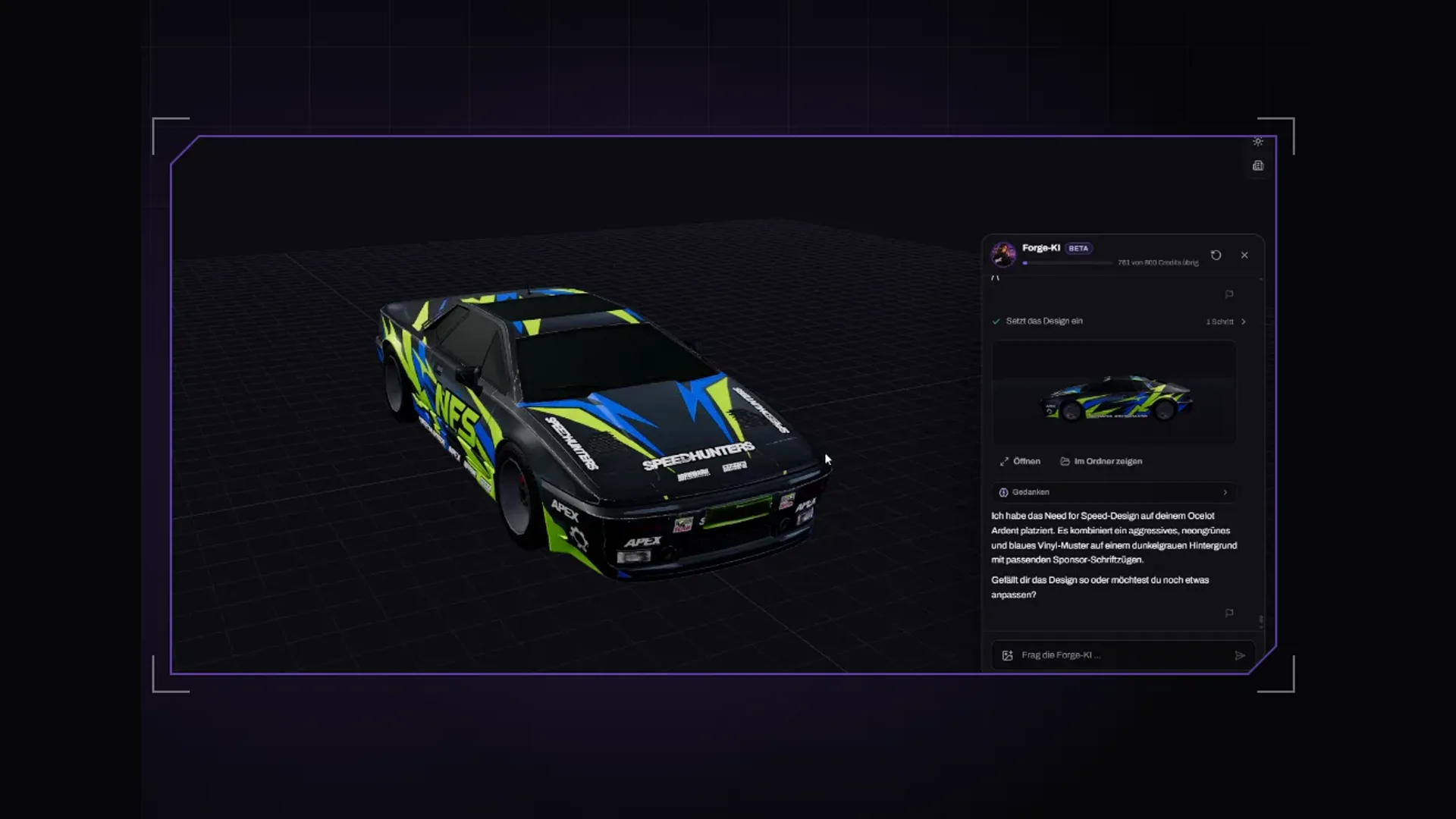
Maps & MLOs·2 November 2026
Which AI app for Forge? Claude Code, Claude Desktop or Cursor
Besides the built-in Forge AI you can connect your own AI app. Which MCP-capable app to pick, how Claude Code, Claude Desktop and Cursor differ and what to watch for in every request.
3 min read
Maps & MLOs·2 November 2026
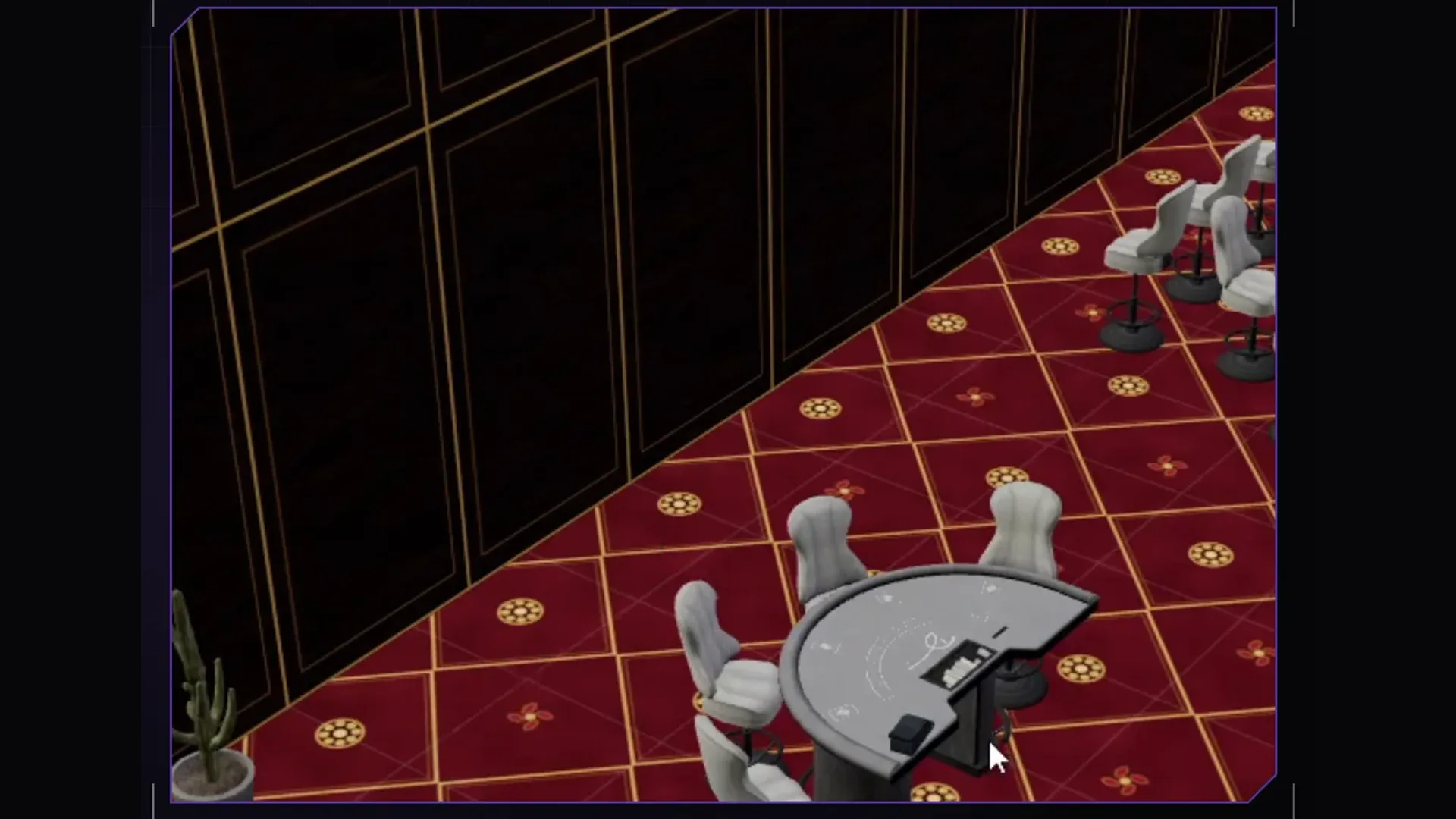
Build an MLO with Claude: driving 5MC Forge via MCP
How to connect your own Claude to the Forge interior editor, write a good request and turn the result into a finished MLO resource for Legacy and Enhanced.
5 min read
Maps & MLOs·26 October 2026
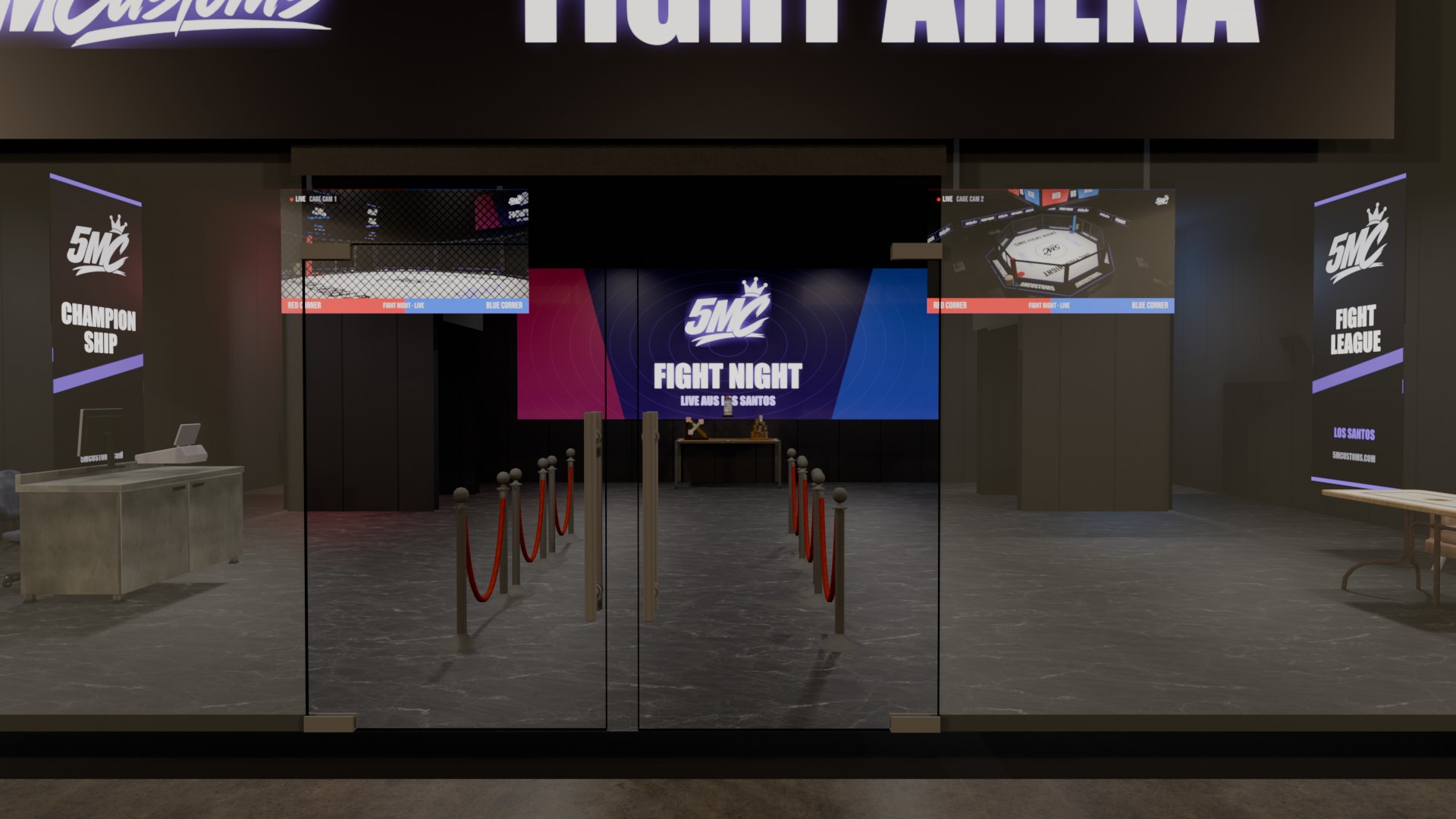
Doors in FiveM MLOs: how to make them open and sit cleanly
A door that will not open, a gap next to the leaf, a double door with both handles on the outside: doors are the most common flaw in custom MLOs. Here is what causes it and how to get it right.
3 min read