
Weapons·3 min read
Weapon skins with Forge: kit, liveries and a finished pack
Pick a base weapon, add attachments, design the livery texture externally, add it to the pack as a livery, test in game and ship as a resource for Legacy and Enhanced.
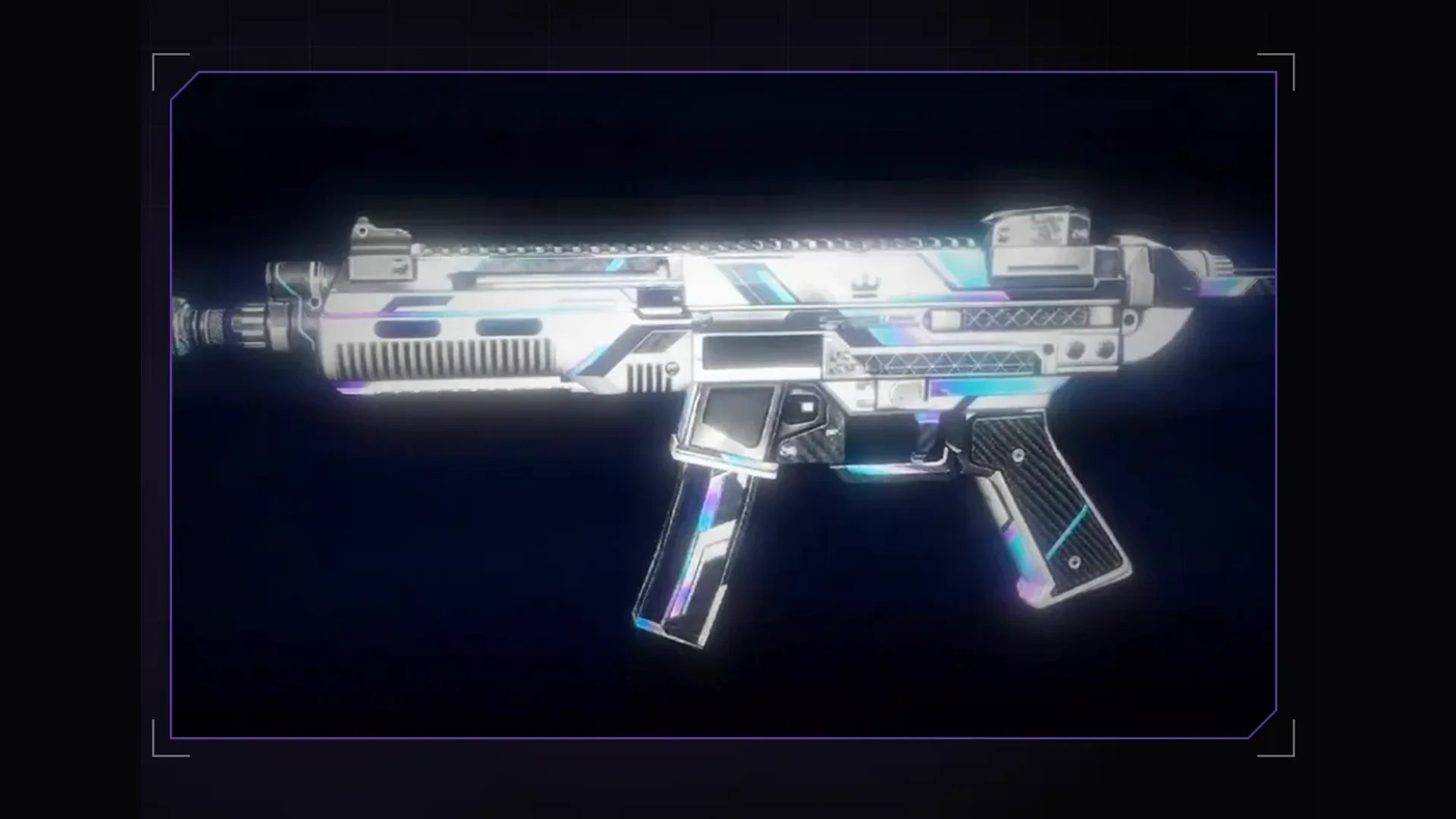
A weapon skin is painted quickly. For it to run cleanly on the server it takes more: the right texture per attachment, liveries that get along with other skin packs, an inventory image and a resource that loads on Legacy and Enhanced. The Forge weapon kit takes exactly that part off your hands. Our Halloween pack with 13 skins for SMG and AK was made this way.
1. Base weapon and attachments
Search the base weapon in GTA, for example the AK or the SMG. Forge shows the matching attachments for every mount point: suppressor, sight, magazine and more. Create a weapon pack; it belongs to exactly one base weapon and contains base, attachments and textures.
2. Export the texture and design it externally
Export the texture as a PNG and take the UV template along. You can design in an image editor or with ChatGPT. With weapons it pays to think of receiver and magazine separately: a pattern running across the part boundary breaks at the edge in game.
Image 1 is the UV template of a GTA AK, image 2 the original texture.
Design a skin "Blood Moon": dark red with black ornaments,
metallic edges stay visible. Keep the layout exactly,
same size as image 2, take gloss and wear from image 2.
3. Base coat and liveries
- Base coat: the texture the pack brings along. If you choose, the base coat replaces the normal GTA weapon, and every weapon of that type on the server looks like it. Otherwise the weapon stays as in GTA and only the liveries look different.
- Liveries: additional paint jobs, each created as a copy of the active one, renamable and deletable. Deleted ones go to the pack's bin.
- Several skin packs for the same weapon get along on one server. You do not have to put everything in one pack.
4. Inventory image and test
“Inventory image from model” takes the picture from the current angle, “Record showcase video” films every livery with studio light and a camera move. “Quick test without pack” builds a weapon with attachments without a pack of its own. “To the test server” builds the whole pack onto your local FXServer; in game you pick a livery with /waffe and a number.
/waffe 1 25. Ship it, also with Claude
“Build” creates the resource with stream and stream_enhanced. On every Forge plan your own Claude can do that part via MCP: create the pack (weapon_pack_create), add attachments (weapon_pack_add_parts), create a new livery (weapon_livery_add) and set your PNG as its texture (weapon_pack_set_texture), build (weapon_pack_build) and send it to the test server (weapon_pack_ship).
Create a weapon pack for the AK with a suppressor and an extended magazine.
Use C:\Skins\blood_moon.png as the texture for a new livery
"Blood Moon" and send the pack to the test server.
The weapon kit comes with every Forge tier, MCP access from Studio up. Plans and trial are under Pricing, everything about the kit is in the docs.
Frequently asked questions
Does my skin replace the weapon for every player?
Only if you set the base coat to replace the normal weapon. Otherwise the weapon stays as in GTA and your skin is a selectable livery.
Do the skins run on FiveM Enhanced?
Yes. Next to stream Forge creates stream_enhanced, converted with Cfx Alchemist. An Enhanced server uses that build, a Legacy server the regular one.
Related products

Founder of 5MCustoms
Justin has been building FiveM servers, vehicles and interiors for years. 5MC Forge is the tool that grew out of it. What you read here comes from practice, not from a product sheet.
Keep reading
All articles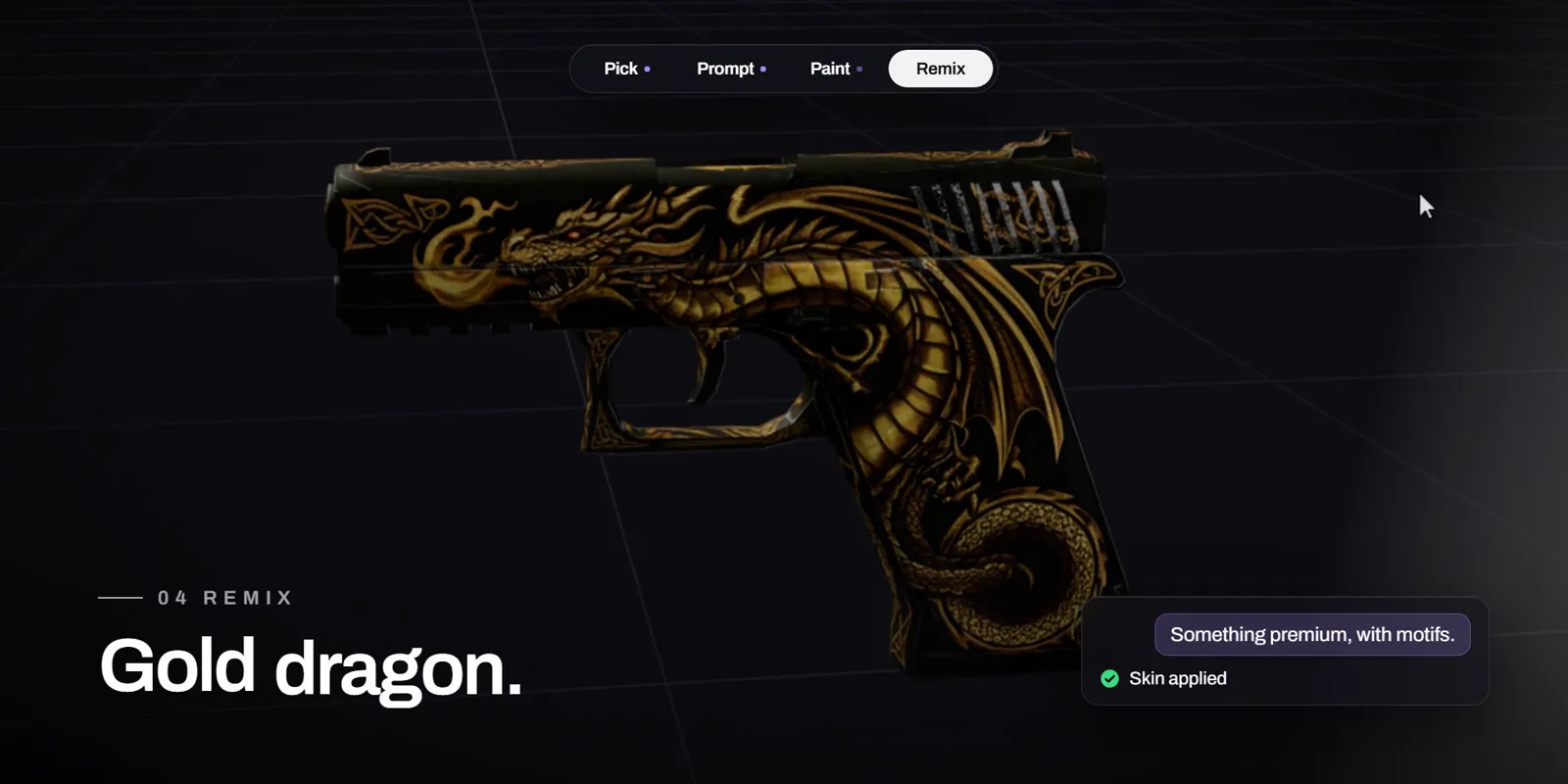
Weapons·31 October 2026
Create a FiveM weapon skin with AI: one sentence, one finished skin
Pick a weapon, describe the skin, done: Forge AI paints the skin right onto the GTA model and delivers more variants on request, from a simple pattern to a golden dragon. The video shows it in 33 seconds.
3 min read
Clothing·2 November 2026
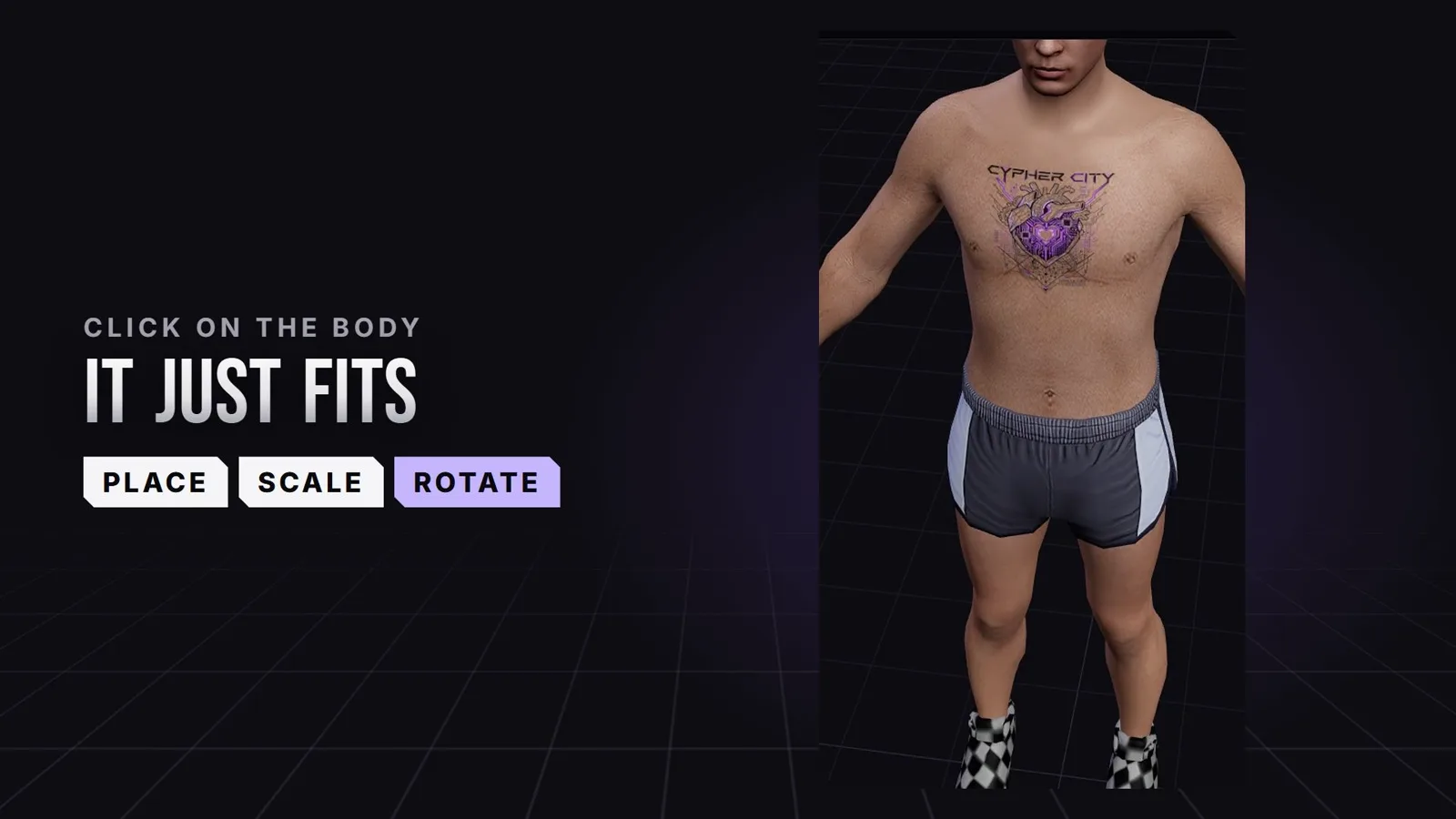
Create FiveM tattoos: place custom tattoos right on the ped
Chest, back, arms: in the 5MC Forge tattoo editor you place your own tattoos with a click right on the ped and see straight away where they sit in game. The design comes from you or from Forge AI. The video shows it in 24 seconds.
3 min read
Maps & MLOs·2 November 2026
Which AI app for Forge? Claude Code, Claude Desktop or Cursor
Besides the built-in Forge AI you can connect your own AI app. Which MCP-capable app to pick, how Claude Code, Claude Desktop and Cursor differ and what to watch for in every request.
3 min read