
Vehicles·3 min read
Build a vehicle livery with ChatGPT textures
Load a vehicle in Forge, export the UV template and texture, generate a design with ChatGPT, bring it back into Forge and ship it as a resource for Legacy and Enhanced.
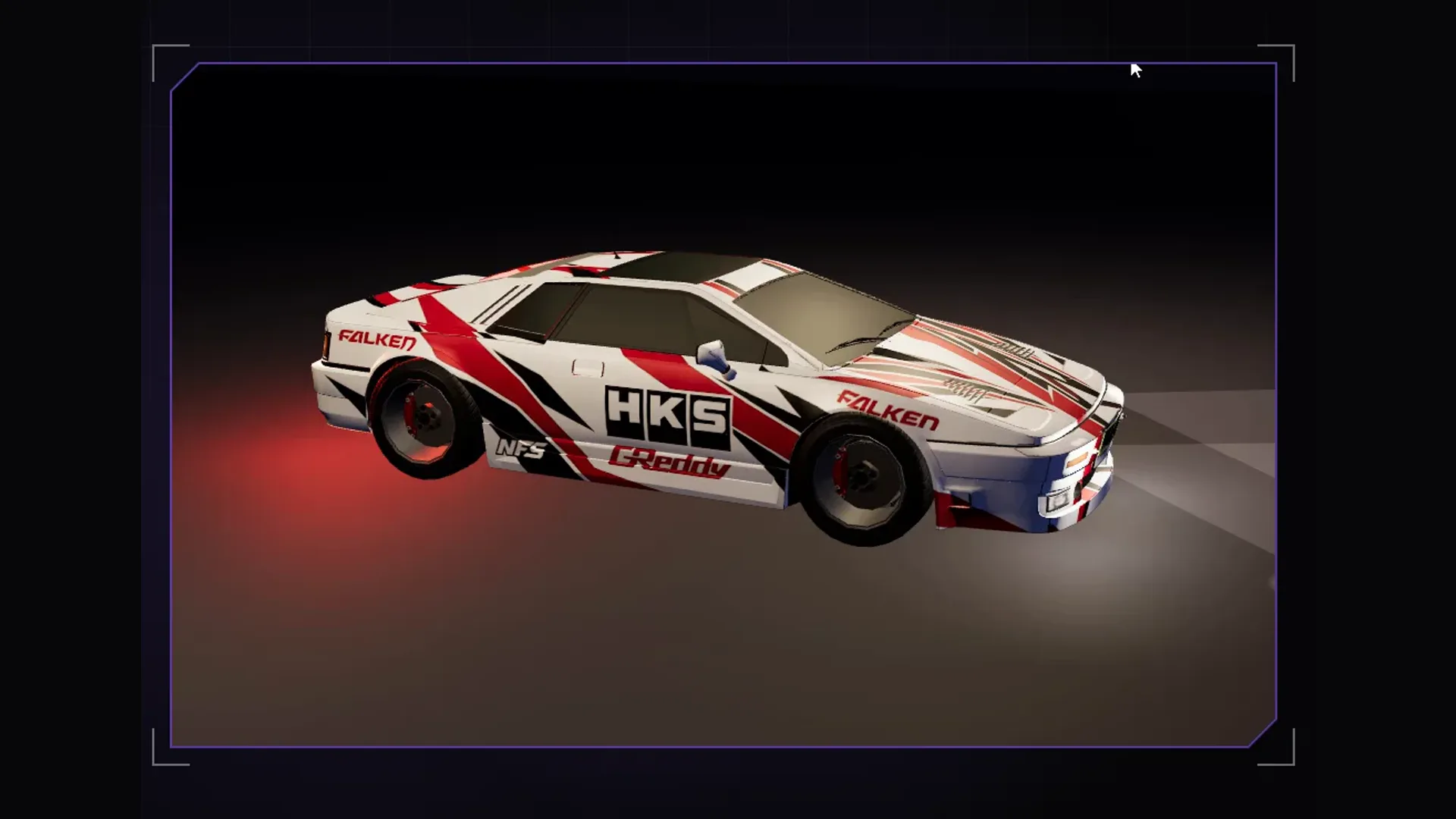
Image generators like ChatGPT paint a design in seconds that used to take an evening in Photoshop. For it to sit right on a GTA vehicle, though, the AI needs a template: where is the bonnet, where the door, what is mirrored. That is exactly what Forge gives you. The AI paints, Forge makes sure the result fits the model and runs in game.
1. Load the vehicle and check the livery channel
Open a vehicle from the fundus or your own resource folder (also RAR, 7z, ZIP or a single .yft). A livery needs a livery channel and a clean livery UV. Under “Channel and UV” you see both; “Make the whole body paintable” adds the livery channel to paint parts that lack it. If the UV is unusable, unwrap it with Blender 4.x: “Unwrap in your own Blender” sends the vehicle over and the result comes back.
2. Export the UV template and texture
In the livery studio choose the target texture and write it out as a PNG with “Export texture”. Add the UV template, the wireframe of the surfaces. Set the resolution to 2048 x 2048 first: GTA cannot take more, above that the streamer crashes on load.
3. Generate the design in ChatGPT
Upload the UV template and the exported texture to ChatGPT and describe exactly what goes where. The key sentence is that the layout must stay exact. Otherwise the AI paints a nice picture that no longer fits the surfaces.
Image 1 is the UV template of a GTA vehicle, image 2 the current texture.
Paint a police livery in dark blue and white on exactly the same
layout, 2048 x 2048 pixels, square. Keep every area in its place,
do not shift or distort anything. A large "POLICE" on both doors,
a crest on the bonnet, a reflective stripe along the sides.
No real brand logos. Background outside the areas neutral grey.- Ask for square output at full size, otherwise the grid does not fit.
- Better have lettering generated as a separate graphic and place it in the livery studio; AI lettering is often messy.
- No real brands or logos: lore-friendly designs are the safe side on any server.
4. Back into Forge and adjust
With “Replace texture” you insert the finished PNG as the livery texture and see it on the 3D model right away. In the livery studio you refine: place logos and lettering as layers, mirror for the opposite side, fill areas, draw gradients, erase brand logos. Loaded kit graphics sit in a palette next to it; one click places a graphic as a new centred layer. A vehicle can carry several liveries, so you can build one variant per department.
5. Ship as a resource
“As FiveM resource …” creates a folder of its own, your GTA stays untouched. Forge writes the number of liveries into carvariations.meta so all of them can be selected in game, and creates the Enhanced build stream_enhanced next to stream. “To the test server” builds straight onto your local FXServer.
The vehicle editor comes with every Forge tier, plans and trial are under Pricing. Everything about the editor is in the docs.
Frequently asked questions
Why does the ChatGPT image not fit the car?
Usually the AI changed the layout or returned a non-square image. Upload the UV template too, ask for the same layout and 2048 x 2048 pixels, and check the result over the template before inserting it.
Can Claude build the livery via MCP?
No. The MCP tools cover interiors and weapons. You edit vehicle liveries by hand in Forge; the textures come from an image tool of your choice.
Related products

Founder of 5MCustoms
Justin has been building FiveM servers, vehicles and interiors for years. 5MC Forge is the tool that grew out of it. What you read here comes from practice, not from a product sheet.
Keep reading
All articles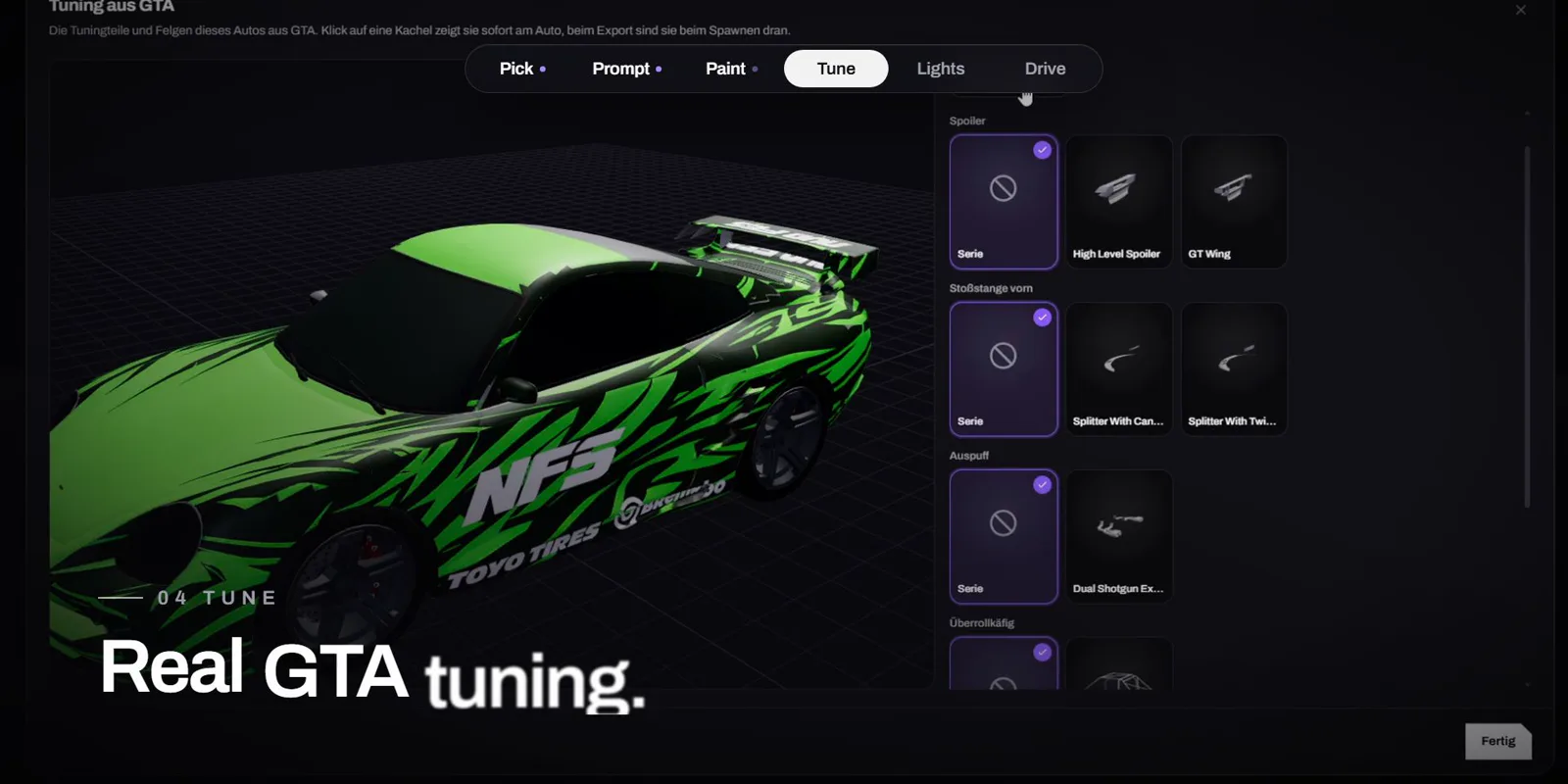
Vehicles·1 November 2026
Design a FiveM car with AI: livery, tuning and lightbar in minutes
One sentence instead of Photoshop: Forge AI paints the livery right onto the GTA car, you tune it with real GTA parts, add a lightbar and drive it in game. The video shows the whole way.
4 min read
Vehicles·1 November 2026
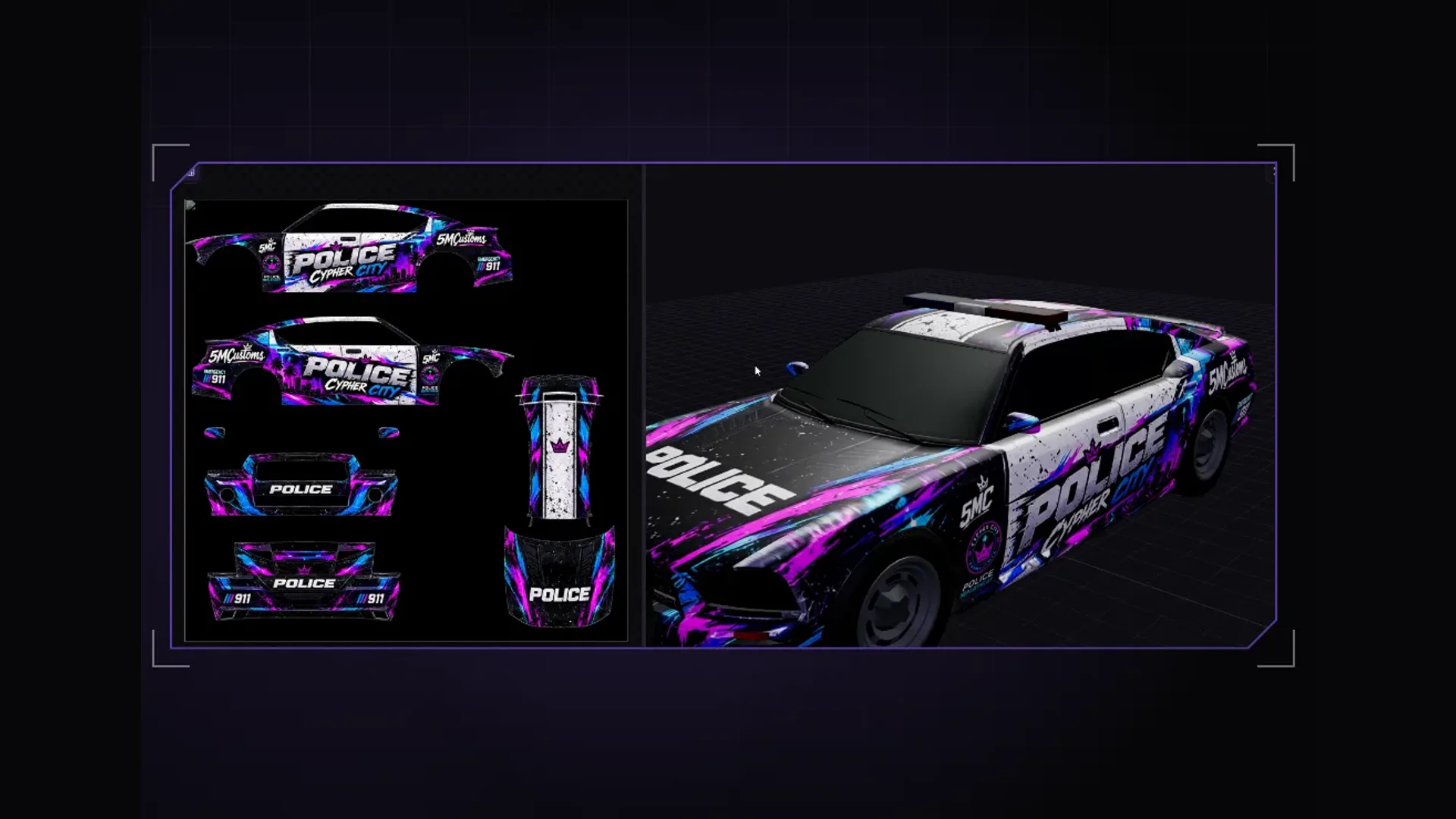
Find a GTA 5 livery template and use it with Forge
What a livery template really is, why templates from the web often do not fit and how to save the UV template from the actual model in 5MC Forge, paint it and export it as a FiveM livery.
4 min read
Vehicles·26 October 2026
Create a FiveM police livery: wrap police, police2, sheriff and co. properly
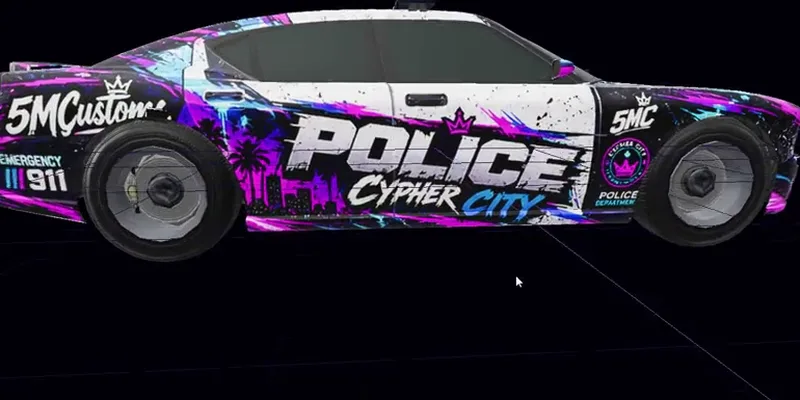
Anyone painting a GTA police car soon notices the livery only lands on the roof. Here is why, and how police2 or sheriff becomes a fully wrapped patrol car.
3 min read