
Vehicles·3 min read
Create a FiveM police livery: wrap police, police2, sheriff and co. properly
Anyone painting a GTA police car soon notices the livery only lands on the roof. Here is why, and how police2 or sheriff becomes a fully wrapped patrol car.
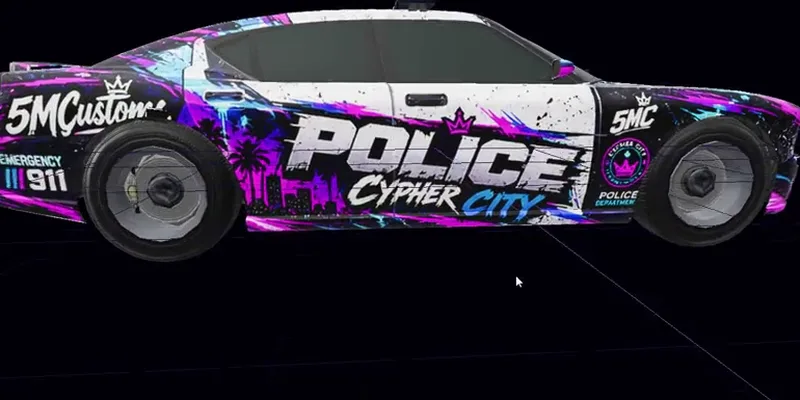
First things first: on GTA's police cars the bundled livery is not a wrap of the whole body. The textures named _sign_1, _sign_2 and so on usually only carry the roof number or sit on a separate decal shell above the doors. Bonnet, roof and wings use a paint shader without a livery channel. Paint there and nothing happens. A real wrap therefore needs three steps before you draw the first line.
Why the livery only lands on the roof
GTA blends a livery onto the paint through a second UV channel. Only shaders with that channel (usually vehicle_paint3) show it. On police, police2 to police4 and sheriff Rockstar kept the numbers deliberately small: a patch of texture for the roof, nothing else. On top of that, the paint UV of many cars is mirrored and tiled. Left and right side share the same area of the texture, so lettering would read backwards on one side.
Three steps to a paintable body
- Make the whole body paintable: the paint parts without a channel get a livery channel and their own empty livery. The game's stock liveries stay as they are.
- Unwrap your own UV: every panel gets its own place on the texture, left and right separated, all at the same resolution. Blender in the background gives the cleanest result; a simple box projection works without it too.
- Bring the livery to 2048 × 2048. Smaller makes the wrap blurry on the car, larger breaks GTA's streaming limit on many vehicles.
In 5MC Forge these are exactly the three steps under “Wrap” in the vehicle editor, one button each. Afterwards Forge checks whether the UV is usable and tells you if areas still overlap.
Design: paint directly or with ChatGPT
Two routes lead to the design. Directly in the editor: the livery opens as a sheet next to the car with the UV grid on top, and every stroke appears on the model at once. For stripes, checker patterns and lettering this is the fastest way. Or externally: “PNG out” saves the texture with a UV template, you design it in an image editor or with ChatGPT and put it back with “PNG in”.
Image 1 is the UV template of a vehicle livery, image 2 the blank texture.
Design a police wrap: white base, doors and fenders with a
blue and yellow checkerboard stripe, "POLICE" on both sides.
Stick exactly to the areas of the template, same size as image 2,
no real crests or agency logos.Test and export
“To test server” puts the vehicle straight into your local FXServer; in game you spawn it with /fahrzeug. “Export as resource” builds a finished FiveM resource, for Legacy and Enhanced if you like. For addon vehicles Forge writes the number of liveries into carvariations.meta itself. For vehicles from GTA it creates a replacement resource that only swaps the model files. Check on the test server that your slot shows up in the livery menu.
More about the vehicle editor is on the page FiveM livery tool. How liveries come together with ChatGPT is in the article Vehicle livery with ChatGPT.
Frequently asked questions
Why do I only see my livery on the roof?
Because on GTA police cars only the decal shell or the roof has a livery channel. Bonnet, roof and wings sit on a paint shader without a channel. Only once these parts get a channel and their own UV does the wrap cover the whole body.
Do I need Blender?
Not necessarily. Blender gives the cleanest UV; Forge runs it in the background, you do not have to operate it. Without Blender a box projection puts each side of the car onto its own area, which is enough for many designs.
Do the original liveries stay?
Yes. The new wrap is added as its own livery. The stock liveries with the roof numbers stay in the vehicle, and GTA's own files are not changed.
Related products

Founder of 5MCustoms
Justin has been building FiveM servers, vehicles and interiors for years. 5MC Forge is the tool that grew out of it. What you read here comes from practice, not from a product sheet.
Keep reading
All articles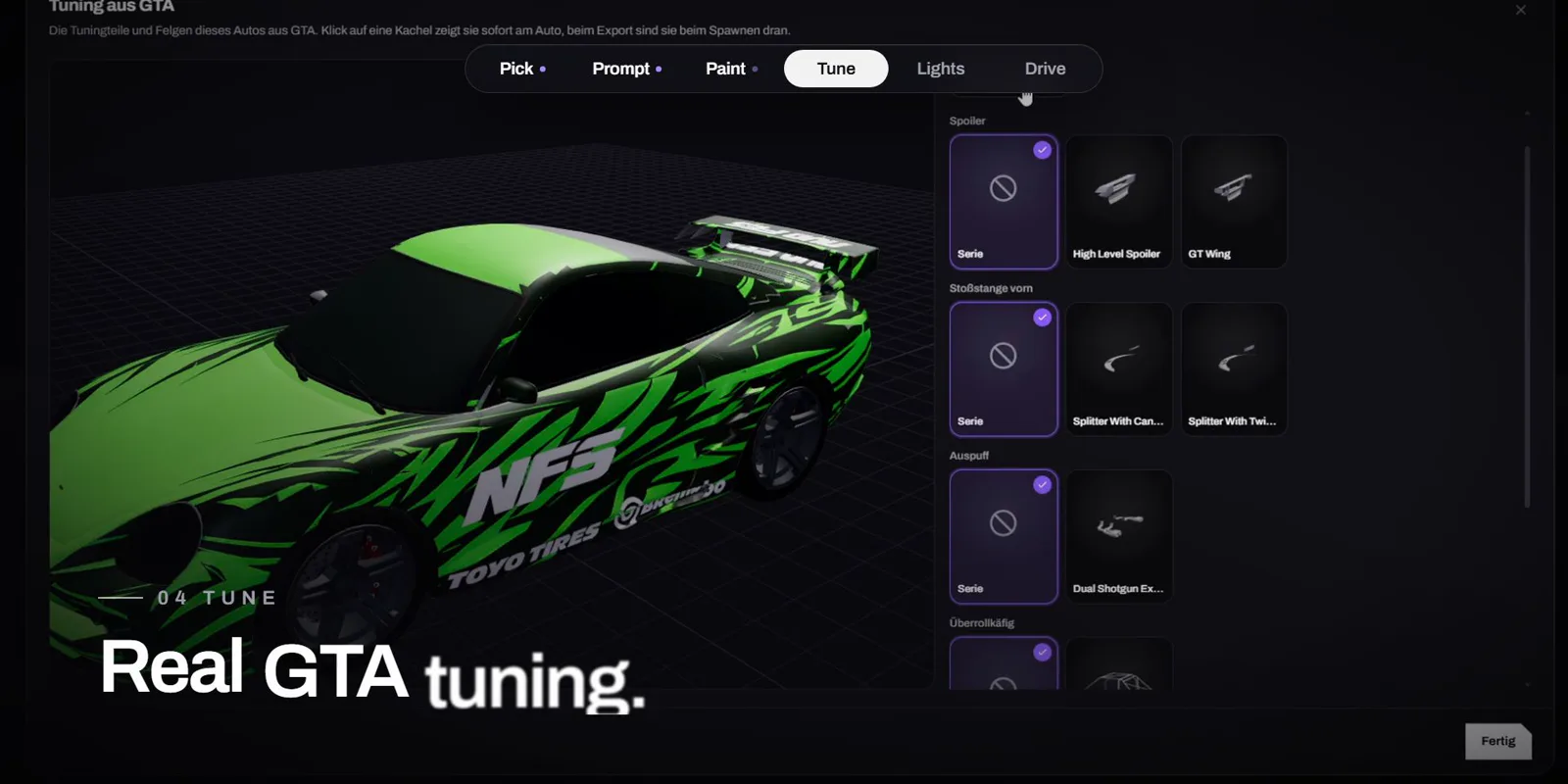
Vehicles·1 November 2026
Design a FiveM car with AI: livery, tuning and lightbar in minutes
One sentence instead of Photoshop: Forge AI paints the livery right onto the GTA car, you tune it with real GTA parts, add a lightbar and drive it in game. The video shows the whole way.
4 min read
Vehicles·1 November 2026
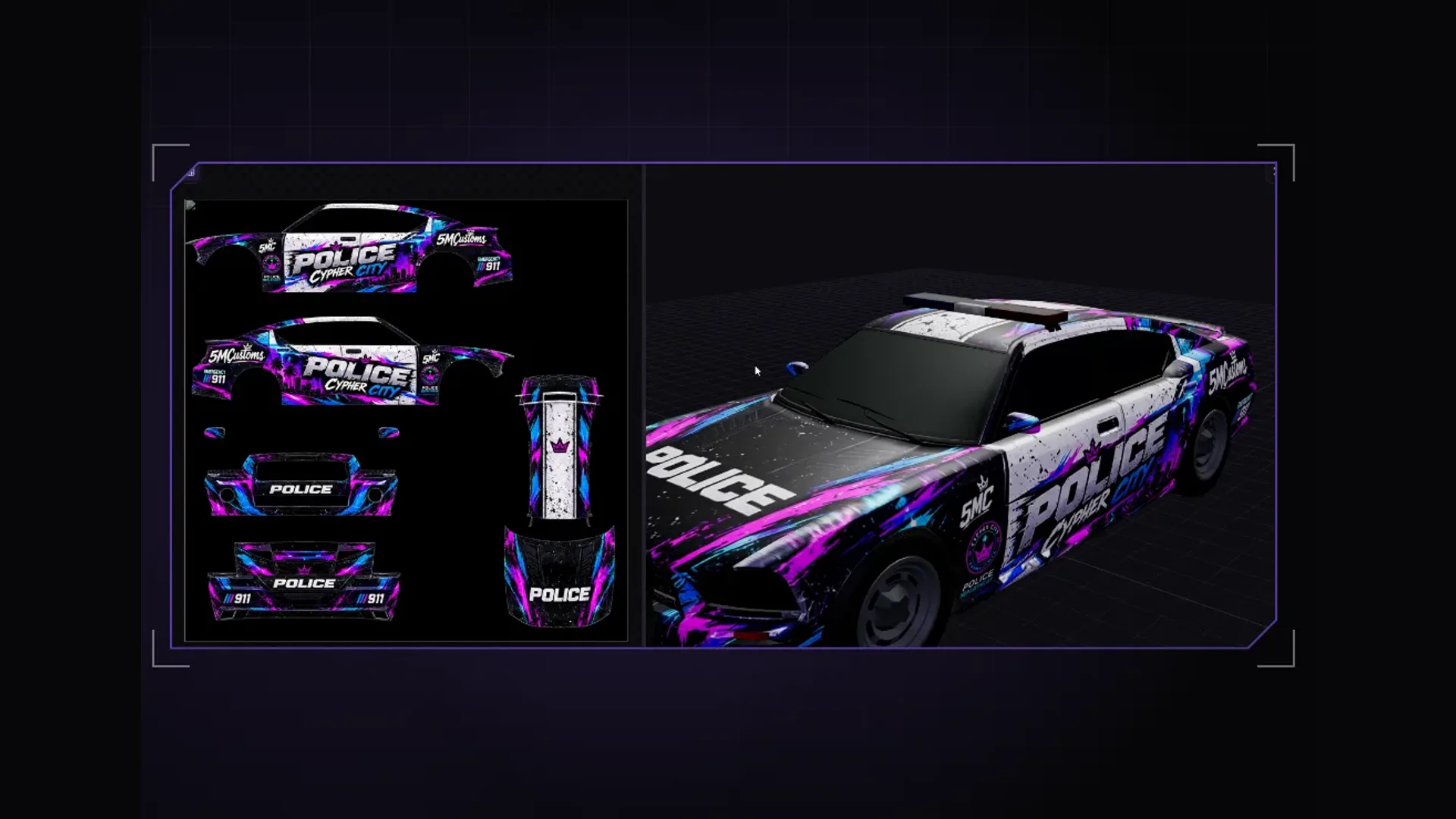
Find a GTA 5 livery template and use it with Forge
What a livery template really is, why templates from the web often do not fit and how to save the UV template from the actual model in 5MC Forge, paint it and export it as a FiveM livery.
4 min read
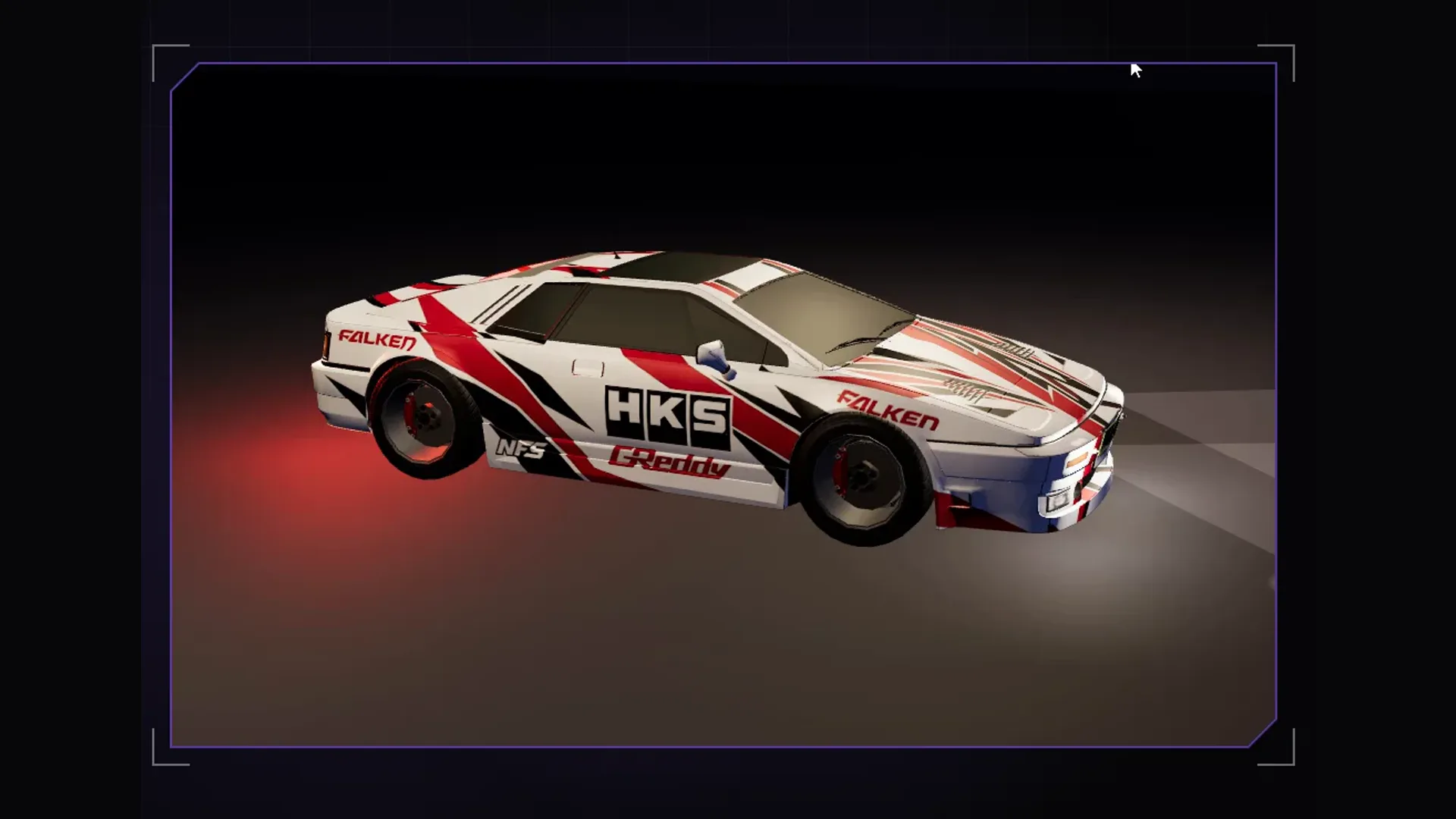
Vehicles·1 November 2026
Build a vehicle livery with ChatGPT textures
Load a vehicle in Forge, export the UV template and texture, generate a design with ChatGPT, bring it back into Forge and ship it as a resource for Legacy and Enhanced.
3 min read