

Maps & MLOs·5 min read
Build an MLO with Claude: driving 5MC Forge via MCP
How to connect your own Claude to the Forge interior editor, write a good request and turn the result into a finished MLO resource for Legacy and Enhanced.
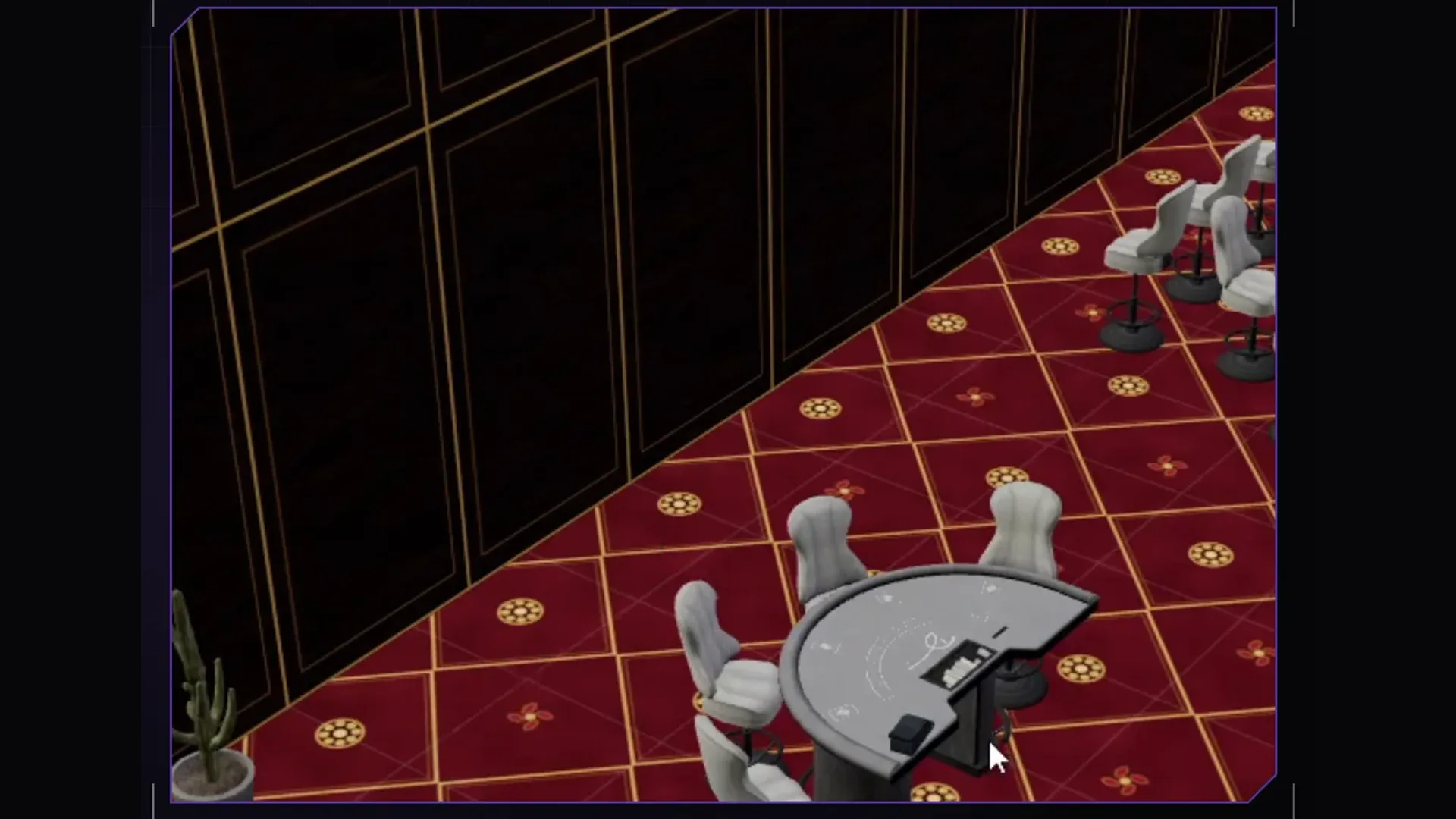
Building an MLO by hand means drawing a floor plan, placing walls, fitting doors, searching hundreds of props, rotating them and pushing them against walls. Most of it is legwork. Your own Claude takes it over, on every Forge plan. It operates the interior editor via MCP with the same tools you have in the interface, and you see every step in the window right away.
Setup in two minutes
- Start Forge and sign in. The MCP server talks to the open Forge; without a running Forge nothing happens.
- In Forge, click “Mit KI arbeiten” (work with AI). The window “Claude mit der Forge verbinden” (connect Claude to Forge) opens with two ready entries that already contain the paths of your installation: “Claude Code (Terminal)” and “Claude Desktop (claude_desktop_config.json)”.
- Click “Kopieren” (copy) next to the matching entry, run it in a terminal or paste it into the config, then restart Claude. Cursor and Codex take the same entry as Claude Desktop in their MCP settings.
Once Claude is connected, Forge shows “Claude verbunden” (Claude connected), and while Claude is working “Claude baut …” (Claude is building). You do not need to install Node.js, Forge ships it. More in the docs under AI setup.
The first request: floor plan before furniture
The most common mistake is putting everything into one sentence. Two rounds work better: first the shell with dimensions, levels and doors, then the furnishing. That way you can check the floor plan in the editor before a hundred props stand in it. Give dimensions in metres, the project name and what lies behind which door.
Create a new project workshop_5mc: one ground floor, 24 by 16 metres.
At the front a reception (8 x 6 m) with a double door to the street, behind it
a hall with three car lifts (16 x 10 m) and a roller door on the east side.
Left of the reception an office and a storeroom. Below, a basement with a
locker room, stairs from the storeroom. Then a check image from above at an angle.
Claude creates the project (mlo_create), paints the floor per room (floor_paint), sets walls and openings (floor_edges), adds the basement as a level (floor_add_level) and builds the stairs (floor_stairs). With mlo_screenshot it requests an image from your open Forge window and sees for itself whether something is off.
Furnish the reception with a counter, two waiting chairs and plants,
the office for two workstations and the hall like a workshop with
workbenches and shelves along the walls. Concrete floor in the hall, tiles
in the reception. Then check the furnishing and show me a check image.
For whole rooms Claude uses mlo_furnish with recipes such as office, reception, cell or lounge. Single pieces are placed semantically: mlo_place_wall puts a shelf against a wall, mlo_place_on puts something on a table, mlo_place_ceiling hangs lights from the ceiling. Floor textures come through floor_texture.
Refining: Claude and you on the same project
Claude works on the same Forge that is open in front of you. If a chair is crooked, fix it yourself in the editor or tell Claude what is off. Ctrl+Z also undoes Claude's steps. Short, concrete feedback works better than a new big request:
- “The counter is too close to the door, move it back two metres.”
- “The office lacks light, add two ceiling lights and check the brightness.”
- “The shelves face the wall, turn them into the room.”
Tips that make the difference in game
- Always have it checked. mlo_validate finds doors that stick into a wall and furniture that faces the wall. mlo_fix_doors repairs door openings.
- Do not overexpose. The defaults follow the game's values, and the check warns about too much light per area. mlo_lights_scale dims every light at once.
- Signs go flush on the wall or under the ceiling with hangers. A sign floating in mid-air looks wrong in game straight away.
- Walk the collision in game. Forge builds the collision too, but a lap on foot through every room and staircase is still worth it.
Build, test, Enhanced
Once everything is green, mlo_build builds the resource: ytyp, ymap, collision, textures and fxmanifest.lua. mlo_build_testserver puts it straight onto your local FXServer and adds ensure to server.cfg; the server must be off for that. Next to stream Forge creates stream_enhanced, converted with Cfx Alchemist. Your MLO therefore runs on Legacy and Enhanced.
That is how our Fight Arena came about: floor plan, stands and lighting via Claude, the finishing touches in the editor. If you want to try it yourself, the plans are under Pricing, every tool is in the docs.
Frequently asked questions
Do I need a Claude subscription?
Yes. You use Claude Code, Claude Desktop or Cursor with your own account at the respective provider. Forge does not call any AI itself and charges nothing for it.
Does this work with Forge Creator?
Yes. MCP access is included in every Forge plan, Forge Creator too. The built-in Forge AI, which needs no account of your own at an AI provider, comes with Forge Studio.
Can Claude rebuild a GTA template?
Yes. With vorlagen_suchen and vorlage_uebernehmen Claude finds original interiors such as mansions or the Mission Row station and takes them over as a project it then rebuilds.
Related products

Founder of 5MCustoms
Justin has been building FiveM servers, vehicles and interiors for years. 5MC Forge is the tool that grew out of it. What you read here comes from practice, not from a product sheet.
Keep reading
All articles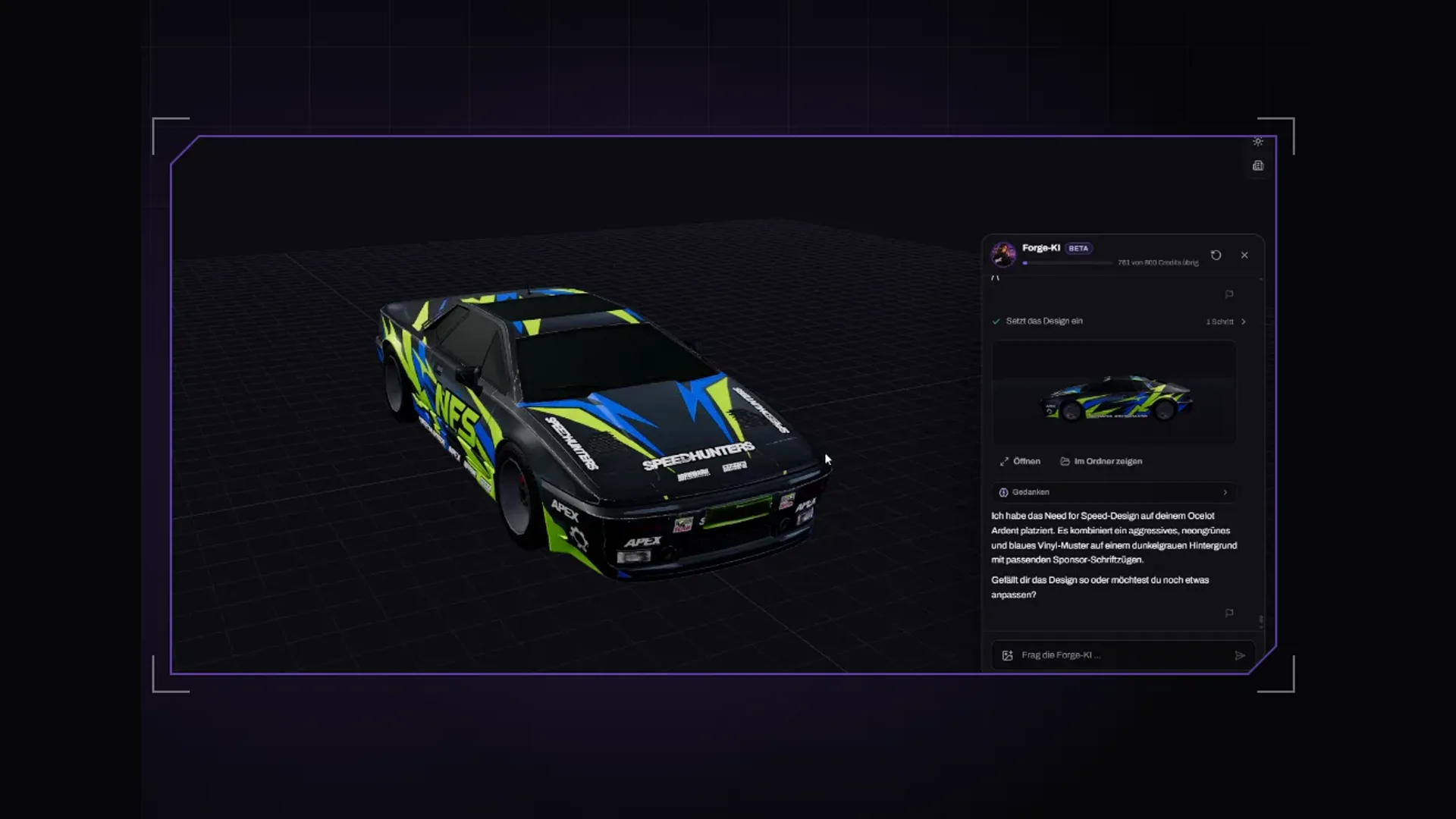
Maps & MLOs·2 November 2026
Which AI app for Forge? Claude Code, Claude Desktop or Cursor
Besides the built-in Forge AI you can connect your own AI app. Which MCP-capable app to pick, how Claude Code, Claude Desktop and Cursor differ and what to watch for in every request.
3 min read
Maps & MLOs·1 November 2026
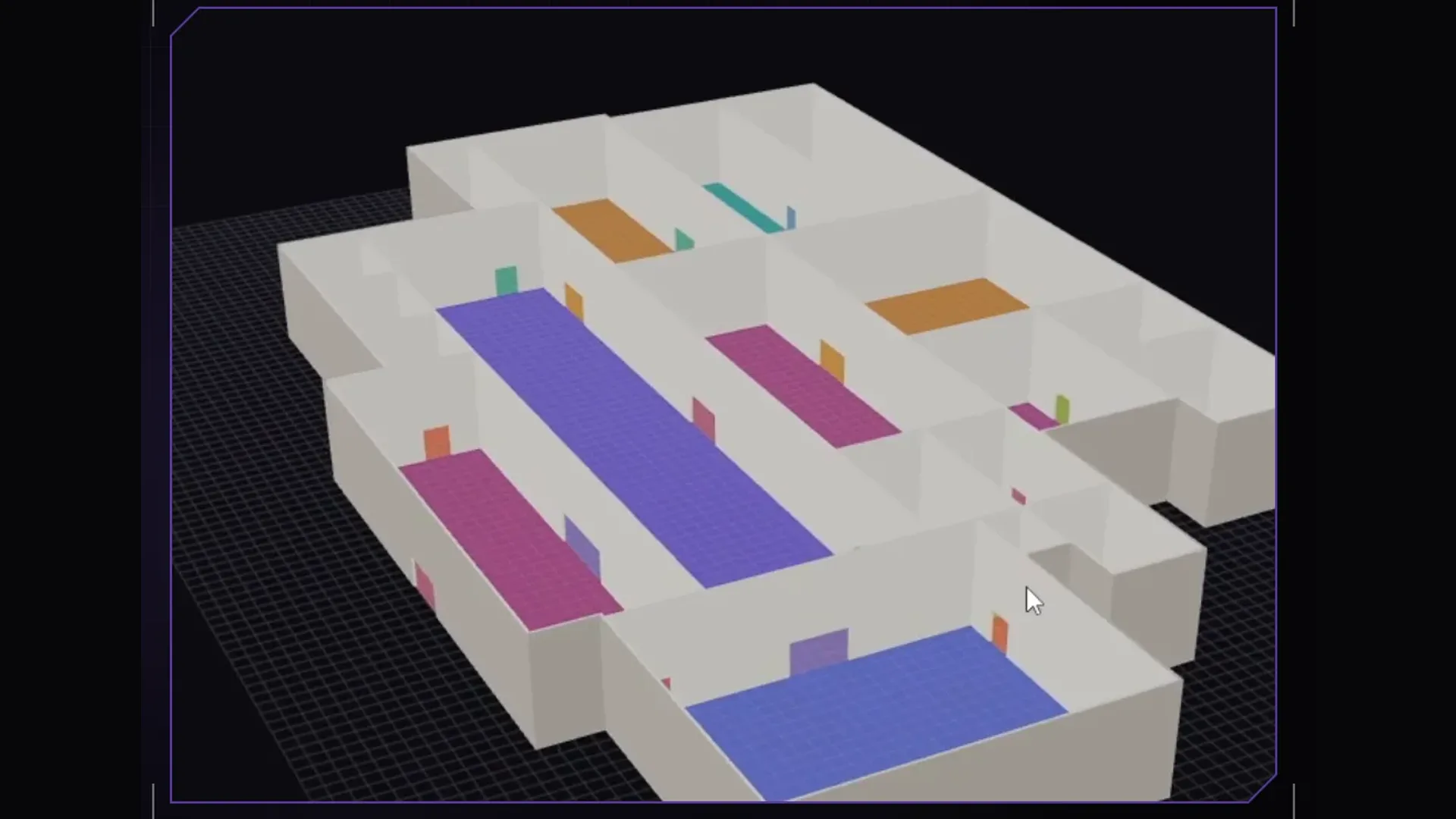
Create a FiveM MLO without 3ds Max: ymap, ytyp and ybn explained
What an MLO is made of, what ymap, ytyp and ybn do and how to build an interior for FiveM without modelling: step by step with 5MC Forge, for Legacy and Enhanced.
4 min read
Maps & MLOs·26 October 2026
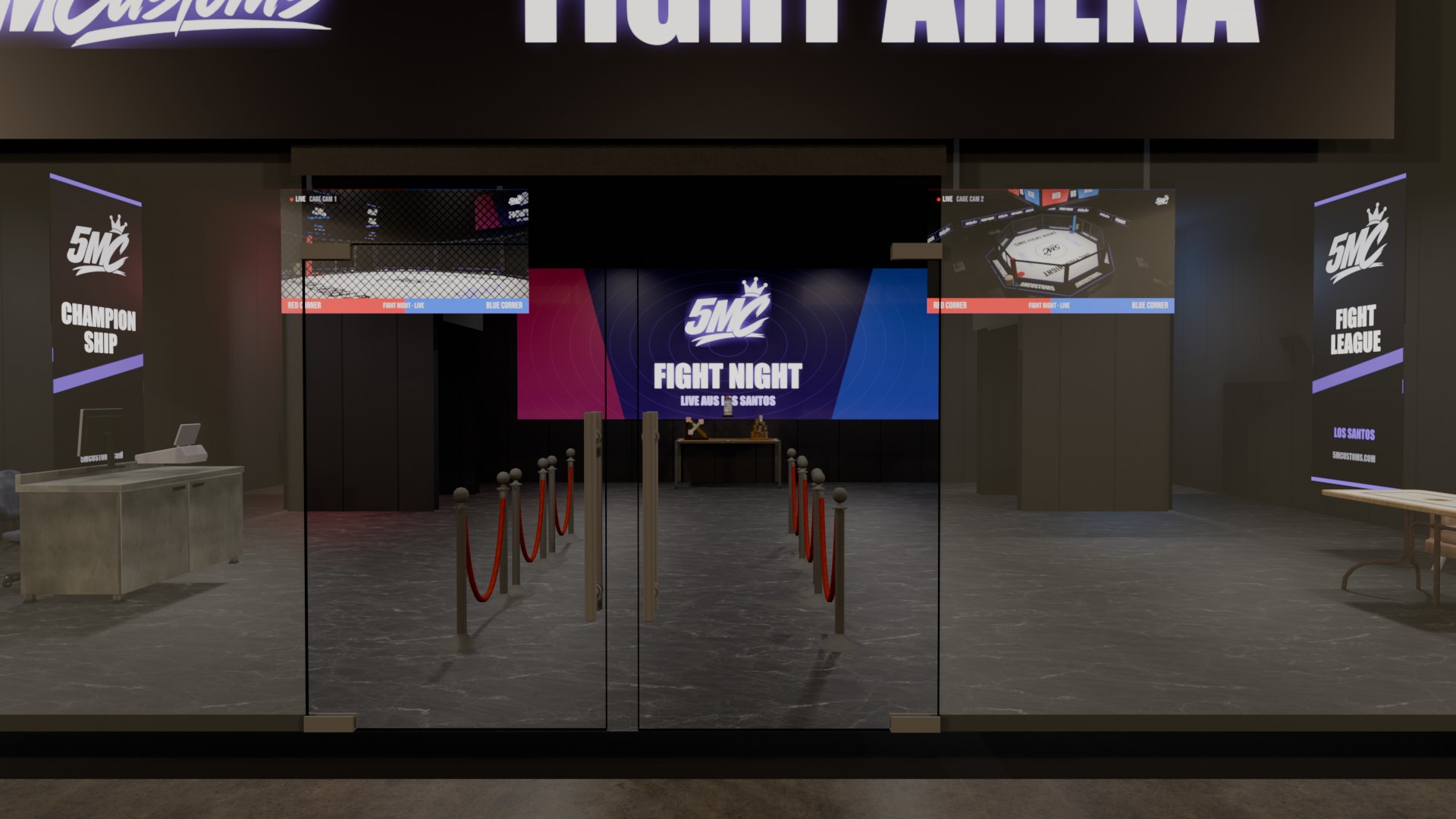
Doors in FiveM MLOs: how to make them open and sit cleanly
A door that will not open, a gap next to the leaf, a double door with both handles on the outside: doors are the most common flaw in custom MLOs. Here is what causes it and how to get it right.
3 min read