

Maps & MLOs·5 min read
FiveM MLO not loading? Invisible, falling through, crashing: causes and fixes
The interior is invisible, you fall through the floor, a room stays empty or the game crashes on entering. Here are the causes we actually found while building our own MLOs, and how to fix them.
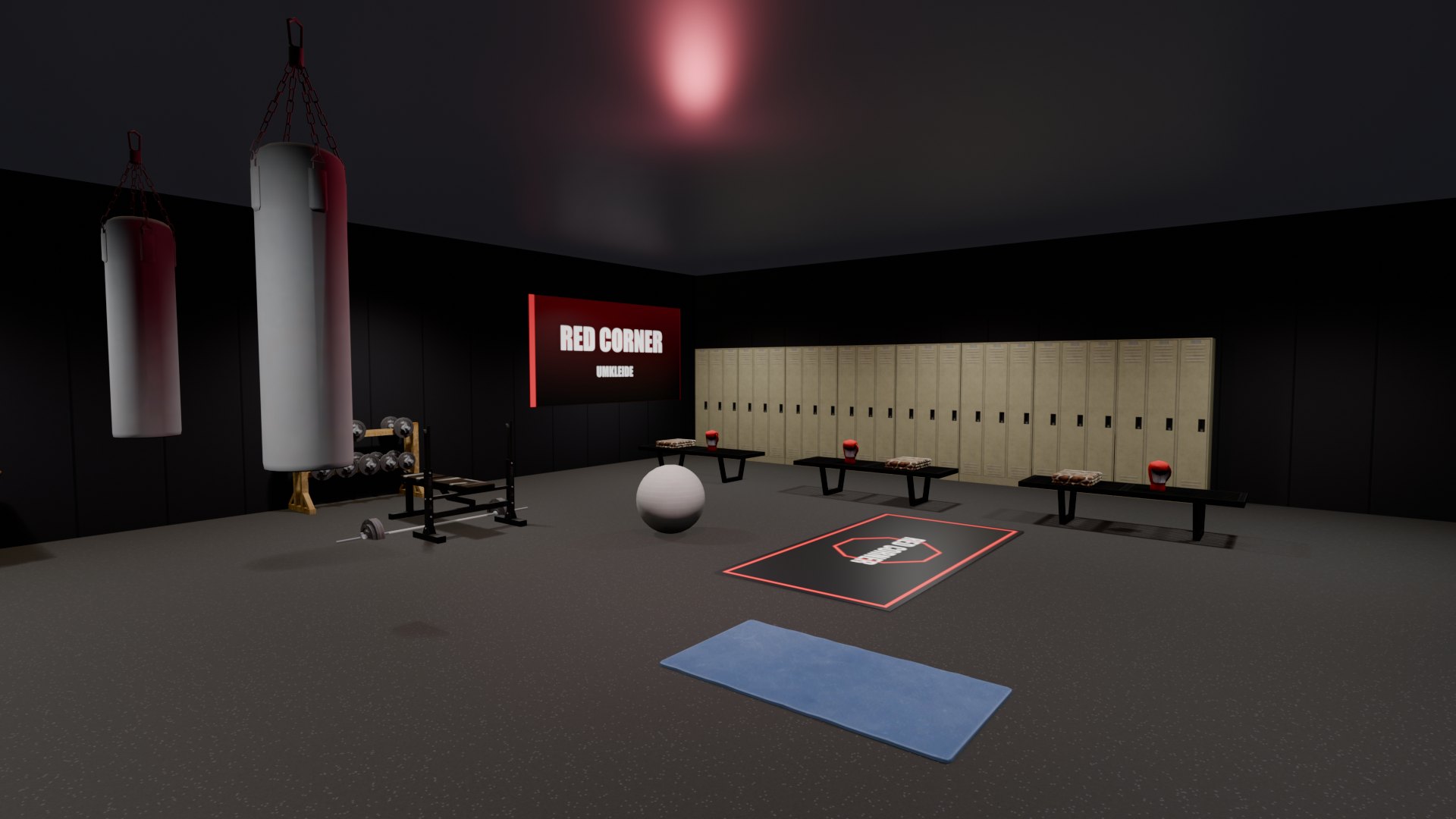
An MLO that looks perfect in the editor and does not show up in game is one of the most frustrating moments when building for FiveM. The error messages rarely help. Building our own interiors, from an arrival hall to the Mission Row station, we hit almost every one of these errors ourselves. The overview first, the explanations below.
| What you see | Common cause |
|---|---|
| Interior completely invisible | ytyp not registered or a prop from a DLC that is too new |
| Crash on entering | missing INTERIOR_DATA in _manifest.ymf or props from vanilla interiors |
| You fall through the floor | Collision (ybn) missing or incomplete |
| Everything empty inside, visible from outside | Collision without room IDs: player counts as outside |
| Some rooms are not drawn | more than 31 rooms |
| Only sky behind a glass door | Portal flag for closed doors |
| Props too big or overlapping | Scaling is ignored in game |
| Warning “uses … MiB” in the console | Textures too large |
1. The interior is invisible
Check the obvious first: are the ymap and ytyp in the stream folder, does fxmanifest.lua contain this_is_a_map and is the ytyp registered via data_file? Does the resource start at all (ensure in server.cfg, no errors in the server console)?
fx_version 'cerulean'
game 'gta5'

this_is_a_map 'yes'

data_file 'DLC_ITYP_REQUEST' 'stream/mein_mlo.ytyp'
If all that is fine, look at the props. Every server runs on a fixed game build (sv_enforceGameBuild). A prop from a DLC that build does not know yet is not just invisible itself: for us a single such model made the whole interior disappear. Only use props that already exist in your server build, or raise the build.
2. Crash on entering
Our most stubborn error: every one of our MLOs crashed on entering, always at the same address (GTA5.exe+93419F). The cause was a missing entry. The game only creates an interior proxy for an interior if the ymap is listed in the resource's _manifest.ymf with the INTERIOR_DATA flag, and the ytyp as well. Without it the game reaches into nothing while building the interior. As XML in CodeWalker the important part looks like this:
<imapDependencies_2>
  <Item>
    <imapName>mein_mlo</imapName>
    <manifestFlags>INTERIOR_DATA</manifestFlags>
    <itypDepArray>
      <Item>mein_mlo</Item>
    </itypDepArray>
  </Item>
</imapDependencies_2>
<itypDependencies_2>
  <Item>
    <itypName>mein_mlo</itypName>
    <manifestFlags>INTERIOR_DATA</manifestFlags>
  </Item>
</itypDependencies_2>
The second common crash cause is props from vanilla interiors. Models that GTA only defines inside one specific interior (their ytyp lives under levels/gta5/interiors) are not loaded outside it. Use them in your MLO and the game can crash. Props from the general prop packs are fine. The third cause: the number of exits in the ymap does not match the portals to the outside in the ytyp.
3. You fall through the floor
Then the collision, the ybn, is missing or does not cover every surface. Check that the ybn is in the stream folder and matches the models. Gaps at stairs, ramps and areas added later are typical. Very large interiors can also hit the limits of a single collision file; splitting them is the better choice then.
4. Everything is empty inside
From outside you see the interior, but once you stand inside walls and furniture vanish. The game decides from the collision which room you are in: every triangle of the ybn carries a room ID. If it is 0 everywhere, the player counts as outside and the rooms are not drawn. For us it only showed up with teleports. The room IDs must match the order of rooms in the ytyp, with room 0 (limbo) being the outside world.
5. Some rooms are missing
The room ID in the collision only has room for values 0 to 31. An MLO with more than 31 rooms therefore does not work fully: the rooms above the limit are not drawn. In our police station it was exactly the upstairs office. The fix is merging small side rooms until you are under the limit.
6. Only sky behind the glass door
Portals can carry a flag that skips drawing the room behind while the door is closed. That saves performance, but it does not work with glass and sliding doors: you look through the glass into nothing. Portals with glass, sliding or elevator doors should not have this flag.
7. Props at the wrong size
Many editors let you scale a prop and show it that way. For regular props in an interior GTA does not apply that scaling though. A glass pane squeezed to 1.40 m in the editor stood at 1.96 m in game. Rather pick a model that already exists at the right size, or use a surface built exactly to size.
8. Warning about oversized textures
If the server console reports that a file uses many MiB, textures are usually too large. For signs and wall images around 256 pixels per metre is enough. Large textures cost memory for every player and slow down loading.
How Forge catches these errors
Because we hunted down every one of these errors ourselves, the 5MC Forge FiveM MLO tool checks most of them before building. Forge writes the _manifest.ymf with INTERIOR_DATA, sets the room ID per collision triangle, counts exits and portals itself, reports more than 31 rooms as an error, refuses props bound to a vanilla interior and leaves the door flag off glass and sliding doors. How an MLO is made from scratch is in the article Create a FiveM MLO without 3ds Max.
Frequently asked questions
Why is my FiveM MLO invisible?
Usually the ytyp is not registered via data_file 'DLC_ITYP_REQUEST', the ymap is missing from the stream folder, or a prop comes from a DLC your server build does not know yet.
Why does FiveM crash when I enter my MLO?
Common causes are missing INTERIOR_DATA in the _manifest.ymf, props from vanilla interiors, or an exit count in the ymap that does not match the portals in the ytyp.
Why do I fall through the floor of my MLO?
The collision (ybn) is missing or does not cover the surface. Check that the ybn is in the stream folder and also covers stairs and ramps.
How many rooms can an MLO have?
At most 31 besides the outside room limbo. The room ID in the collision only knows values 0 to 31; rooms above that are not drawn.
Related products

Founder of 5MCustoms
Justin has been building FiveM servers, vehicles and interiors for years. 5MC Forge is the tool that grew out of it. What you read here comes from practice, not from a product sheet.
Keep reading
All articles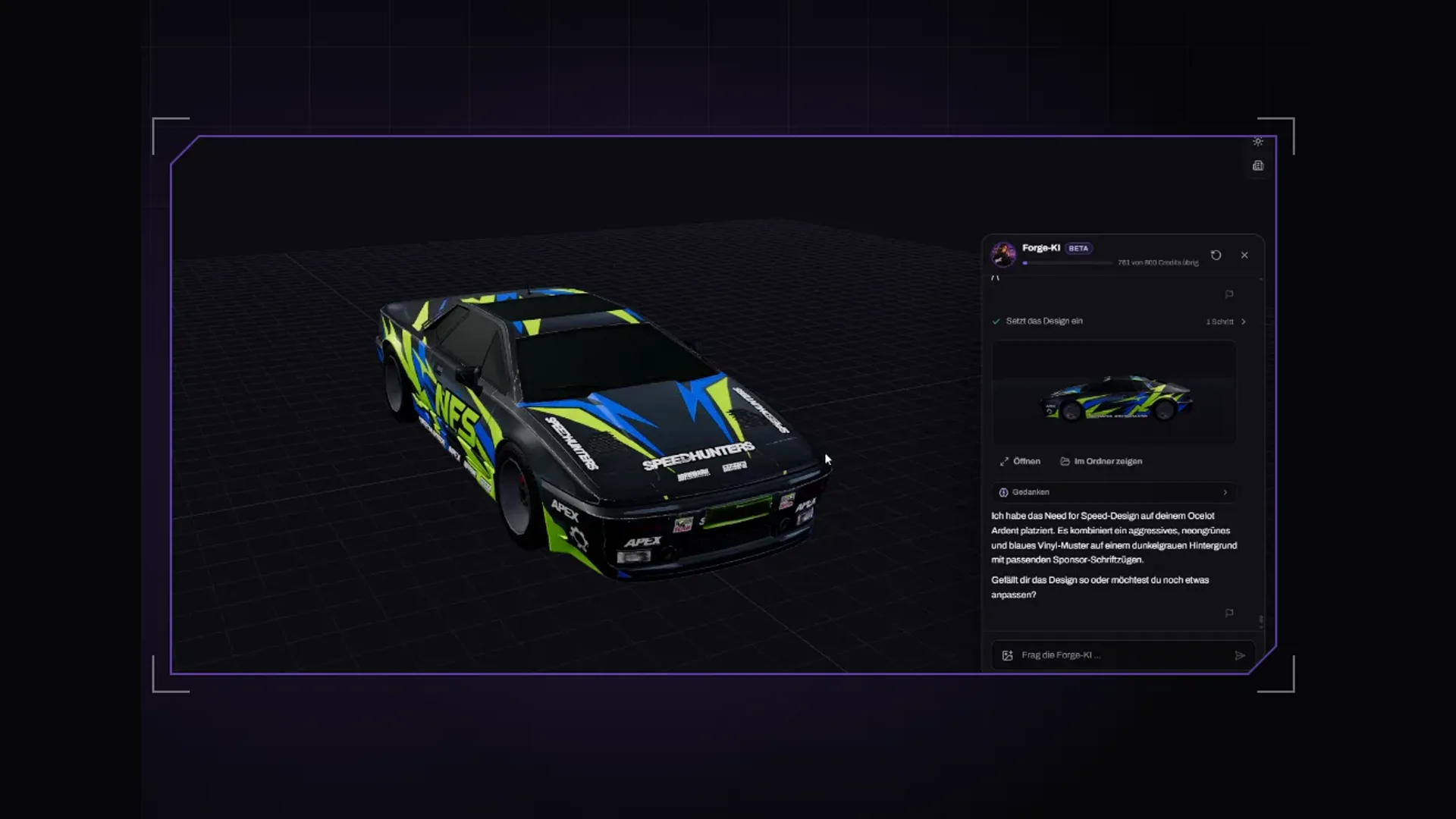
Maps & MLOs·2 November 2026
Which AI app for Forge? Claude Code, Claude Desktop or Cursor
Besides the built-in Forge AI you can connect your own AI app. Which MCP-capable app to pick, how Claude Code, Claude Desktop and Cursor differ and what to watch for in every request.
3 min read
Maps & MLOs·2 November 2026
Build an MLO with Claude: driving 5MC Forge via MCP
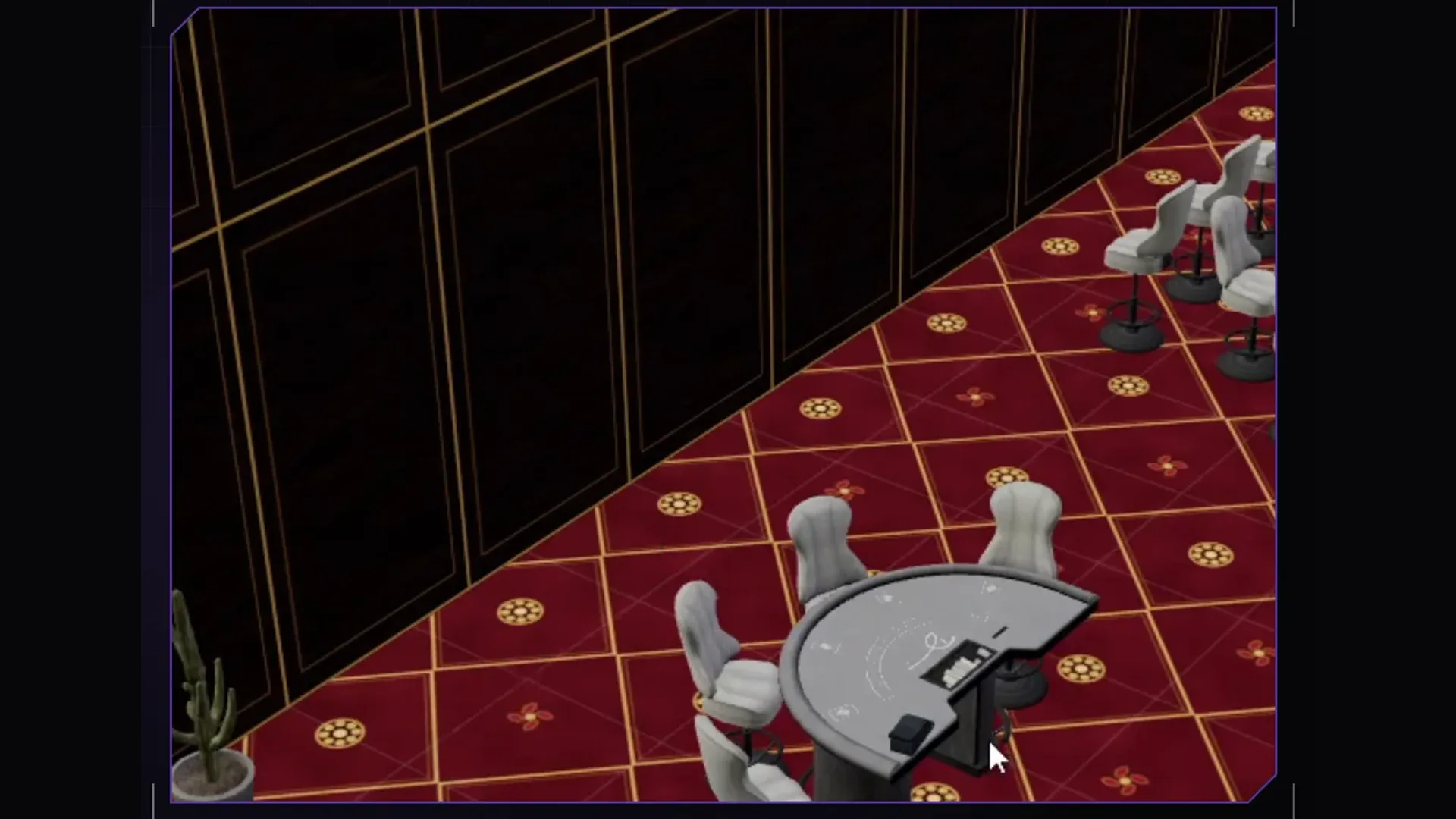
How to connect your own Claude to the Forge interior editor, write a good request and turn the result into a finished MLO resource for Legacy and Enhanced.
5 min read
Maps & MLOs·1 November 2026
Create a FiveM MLO without 3ds Max: ymap, ytyp and ybn explained
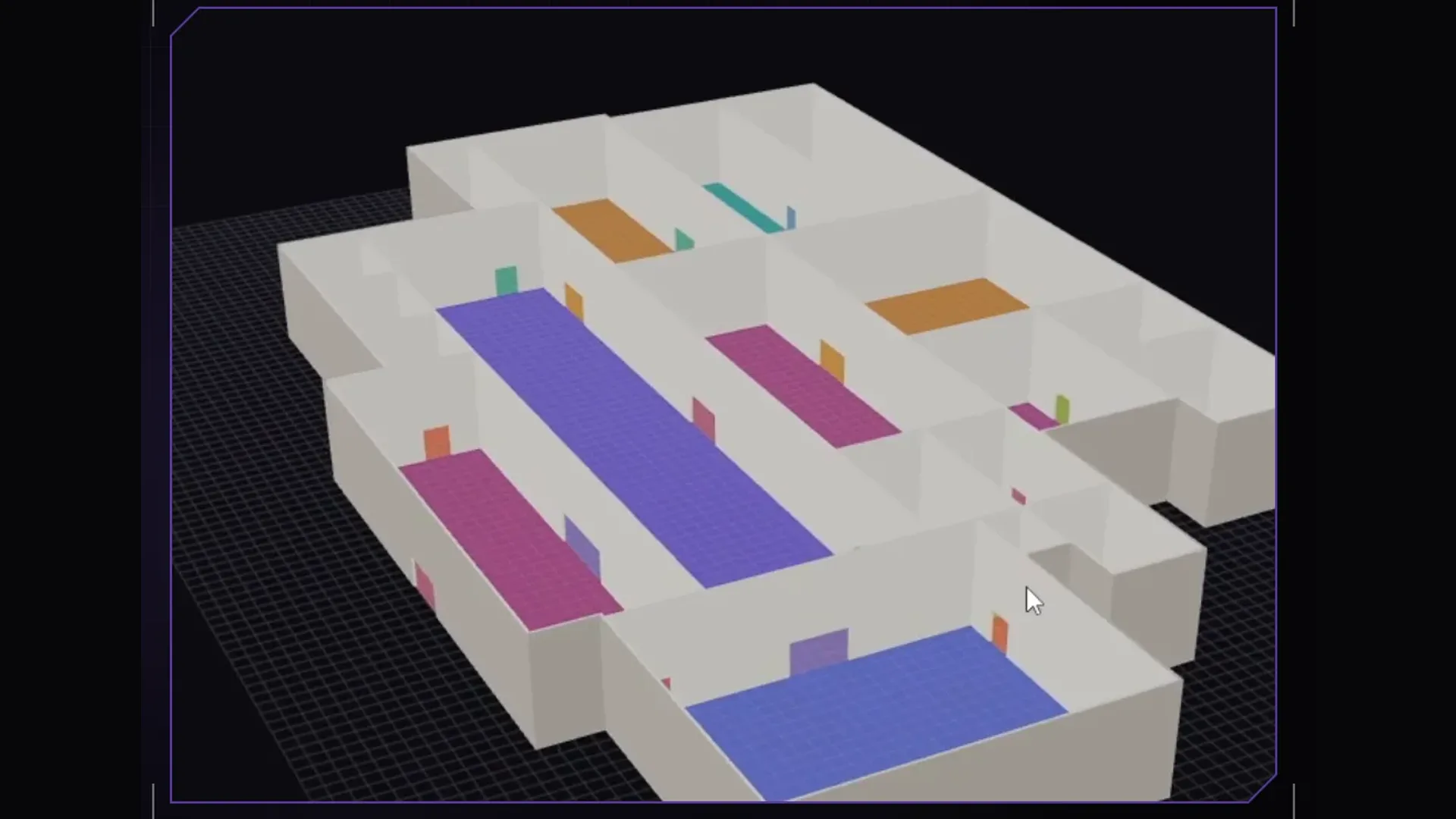
What an MLO is made of, what ymap, ytyp and ybn do and how to build an interior for FiveM without modelling: step by step with 5MC Forge, for Legacy and Enhanced.
4 min read