
Clothing·3 min read
FiveM custom clothing with AI: from one shirt to a whole clothing pack
Bloods, Crips, Vagos or your own crew: Forge AI designs shirts right on the GTA model, front and back. The shirt becomes a whole outfit with pants and bandana that fits in game right away. The video shows it in 25 seconds.
On RP servers custom clothing is the badge: every gang wants its colour, every crew its lettering, every shop pieces nobody else has. Until now that meant exporting a UV template, painting in Photoshop, importing it again and hoping seams and sleeves line up. With the AI in 5MC Forge you describe the piece in one sentence and Forge designs it right on the model.
The workflow in five steps
- Pick a piece: open a shirt, hoodie or jacket from the GTA fundus in the clothing studio, for male or female.
- Describe: tell Forge AI what you want, for example “Bloods shirt in red with a bandana pattern and BLOODS lettering on the back”. If you have your own reference image, just attach it.
- Approve the proposal: without your own image the AI first shows a proposal and asks whether to build it like that. Only after your yes does it design the piece.
- Design on the model: the AI paints front and back, sleeves and collar to fit the UV islands. Logos and lettering go on straight and undistorted, and you see everything in 3D on the ped right away.
- Extend to a pack: say “make matching pants and a bandana”. The colours stay the same and the outfit fits together. Then export it as a pack and look at it on the test server with one click.
Ideas that work well
- Gang colours as the base: red for Bloods, blue for Crips, yellow for Vagos, plus a bandana pattern across the whole piece.
- Lettering on the back, pattern on the front: that way the crew is recognisable from behind too.
- Streetwear with an all-over print: graffiti, comic or tags in two or three colours, like the VNDL set in the video.
- Your server brand: if you store name, colours and logo in the “Brand” tab, the AI asks whether it should use it.
Prefer to paint it yourself? How to design the texture with “PNG out” and “PNG in” in an image editor or with ChatGPT is covered in Build a clothing pack.
Getting it onto the server
Forge builds a finished add-on resource from the pack, for Legacy and Enhanced if you like. Existing GTA clothing stays untouched and your pieces are appended to the list. Before going live you put the outfit on in game on your local test server, just like in the video.
What it costs
The AI is part of Forge Studio (€49.99 a month) and Enterprise. On the Studio plan the monthly quota covers up to 20 designs, and every revision uses credits again. When it runs out you can buy more credits. Forge Creator from €19.99 has the clothing studio without the built-in AI. Every plan can be tried free for 3 days, and Studio and Enterprise trials include 100 test credits to try the AI.
Frequently asked questions
Does my clothing replace GTA pieces for every player?
No. Forge builds add-on clothing: your pieces are added, existing ones stay, and saved characters look as before.
Can I put my own logo on the shirt?
Yes. Store your logo in the “Brand” tab or attach it to your message. The AI places the original instead of inventing one.
Do pants, shoes and masks work too?
Yes. The AI designs tops, pants, shoes, caps, gloves and masks, so a whole outfit comes together in one style.
Related products

Founder of 5MCustoms
Justin has been building FiveM servers, vehicles and interiors for years. 5MC Forge is the tool that grew out of it. What you read here comes from practice, not from a product sheet.
Keep reading
All articles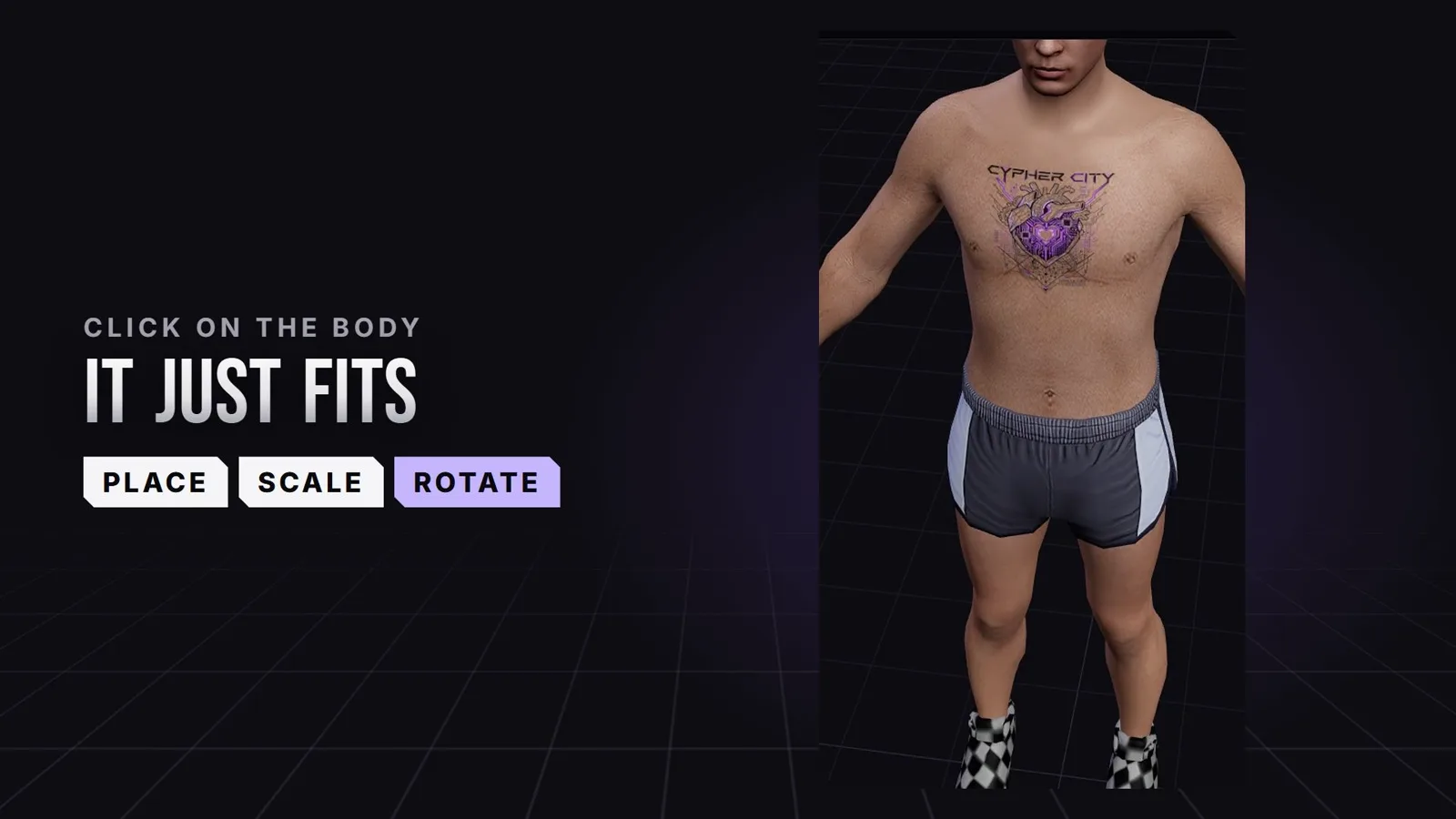
Clothing·2 November 2026
Create FiveM tattoos: place custom tattoos right on the ped
Chest, back, arms: in the 5MC Forge tattoo editor you place your own tattoos with a click right on the ped and see straight away where they sit in game. The design comes from you or from Forge AI. The video shows it in 24 seconds.
3 min read
Clothing·1 November 2026
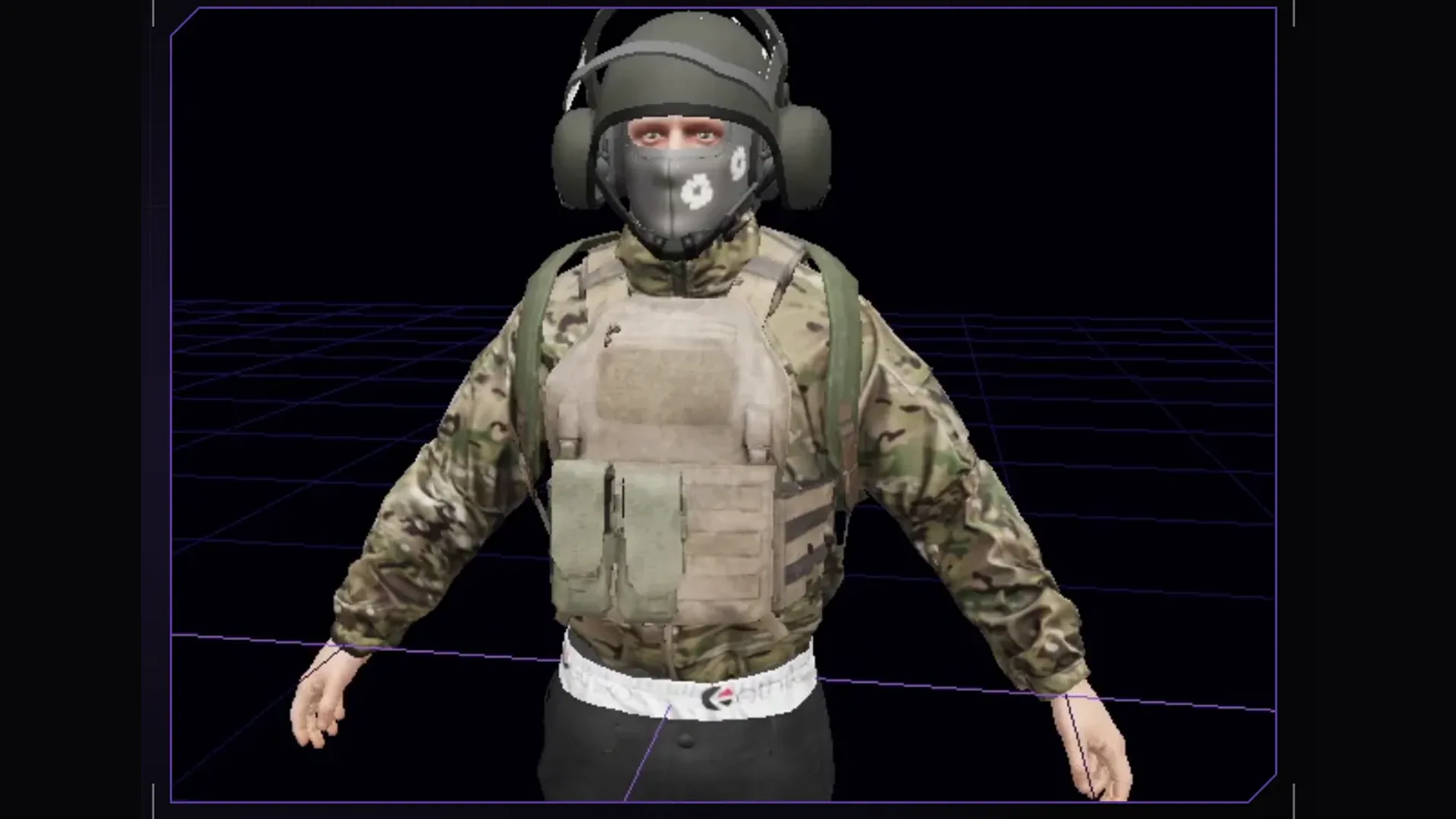
Build a clothing pack: from a GTA piece to a finished resource
Open a clothing piece from the GTA fundus, redesign the texture with ChatGPT or an image editor, check it on a moving ped and build it as a pack for men and women.
3 min read
Clothing·26 October 2026
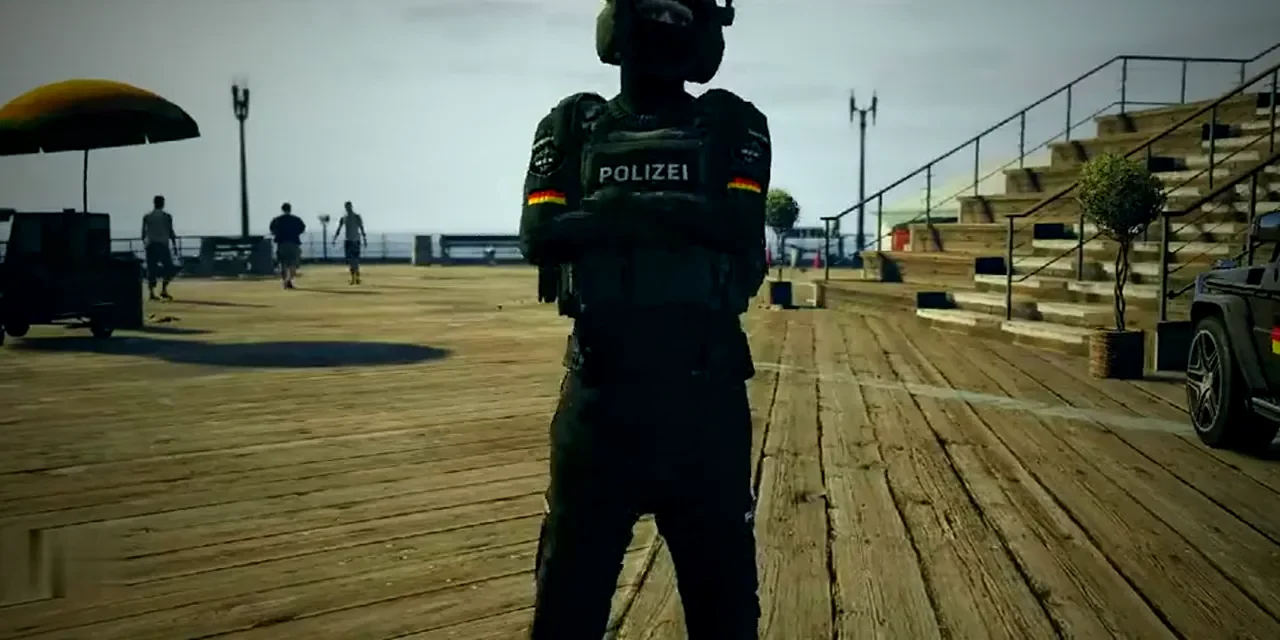
Create a FiveM police uniform: your own pack instead of EUP
Shirt, trousers, vest, badges: a police uniform is made of several parts that have to match. Here is which ones, and how to turn them into your server's own pack.
3 min read